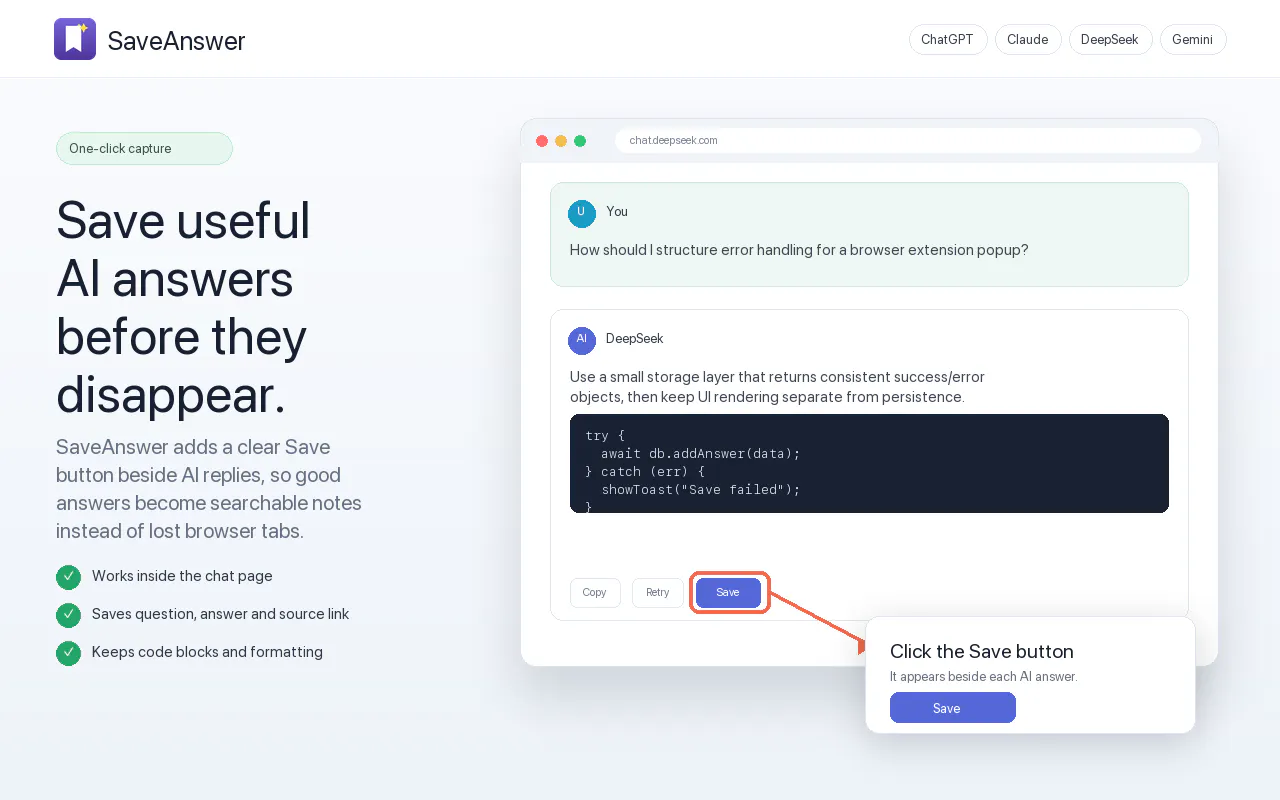
SaveAnswer is a local Chrome extension designed for users who want to capture, organize, and reuse valuable AI-generated responses directly within their browser. Built with a privacy-first approach, SaveAnswer simplifies knowledge management by letting you save helpful AI outputs with a single click.
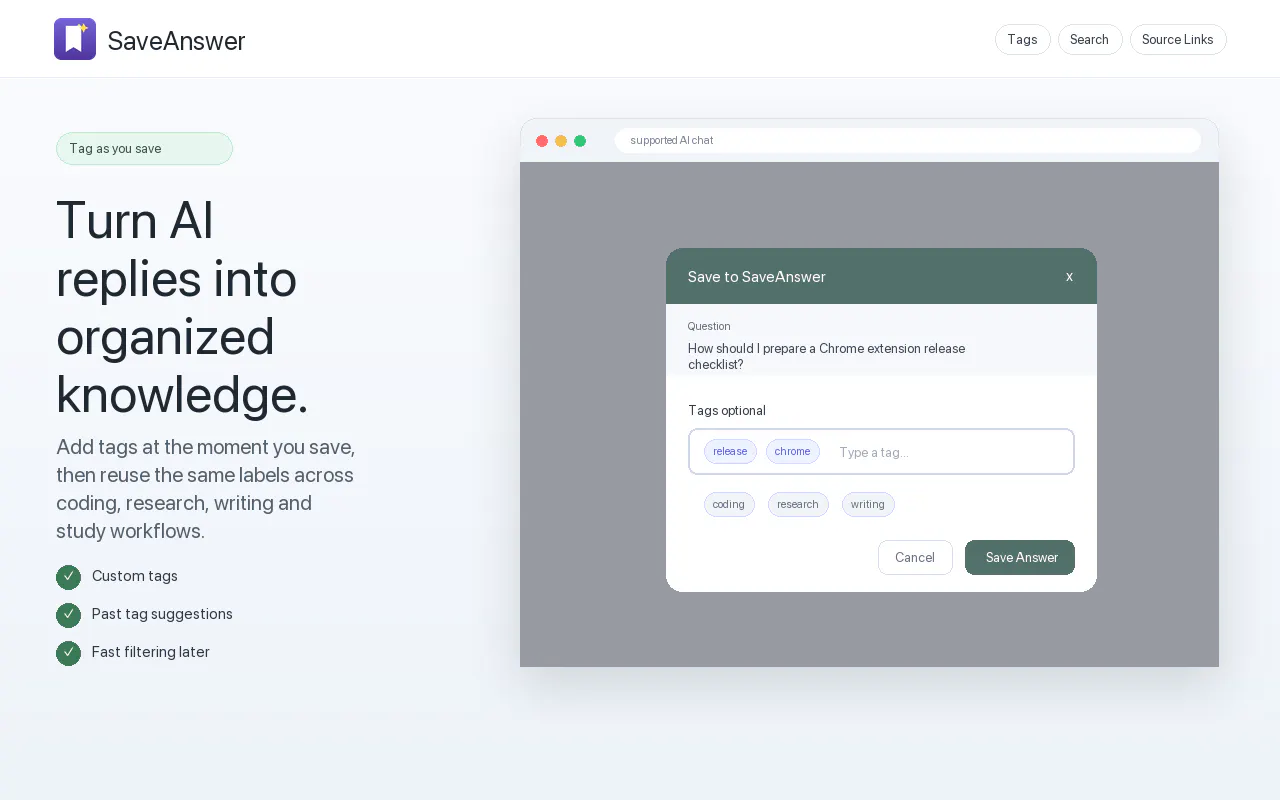
Once installed, a convenient Save button appears next to supported AI replies. Users can instantly save responses, attach custom tags for easy organization, and search through their repository of saved questions and answers whenever they need them again.
SaveAnswer also offers export features. Users can export selected answers into multiple formats—including Markdown, Word, PDF, and HTML. Exported files preserve key context, including the original question, answer text, applied tags, source links, and creation timestamps. Because all data remains strictly within Chrome local storage, SaveAnswer operates without requiring an account, remote backends, or third-party servers.
All saved items remain strictly within your local Chrome storage. SaveAnswer does not use a remote backend or external server.
No, SaveAnswer does not require any user account or login.
You can export selected saved answers as Markdown, Word, PDF, or HTML files.
No, SaveAnswer stores data locally in your browser, so cross-device sync is not available.
Exported files include the original question, the saved answer, associated tags, the source link, and the timestamp.
0 community reviews for SaveAnswer
Help the community by sharing your experience. Your review helps others make better decisions.

Data Architect