MailPress is a productivity Chrome extension designed to streamline how you export emails from Gmail. By embedding a dedicated 'Save as PDF' button directly inside your Gmail interface, MailPress eliminates the friction of dealing with native print dialogs, unsearchable screenshots, or privacy-invasive third-party web services.
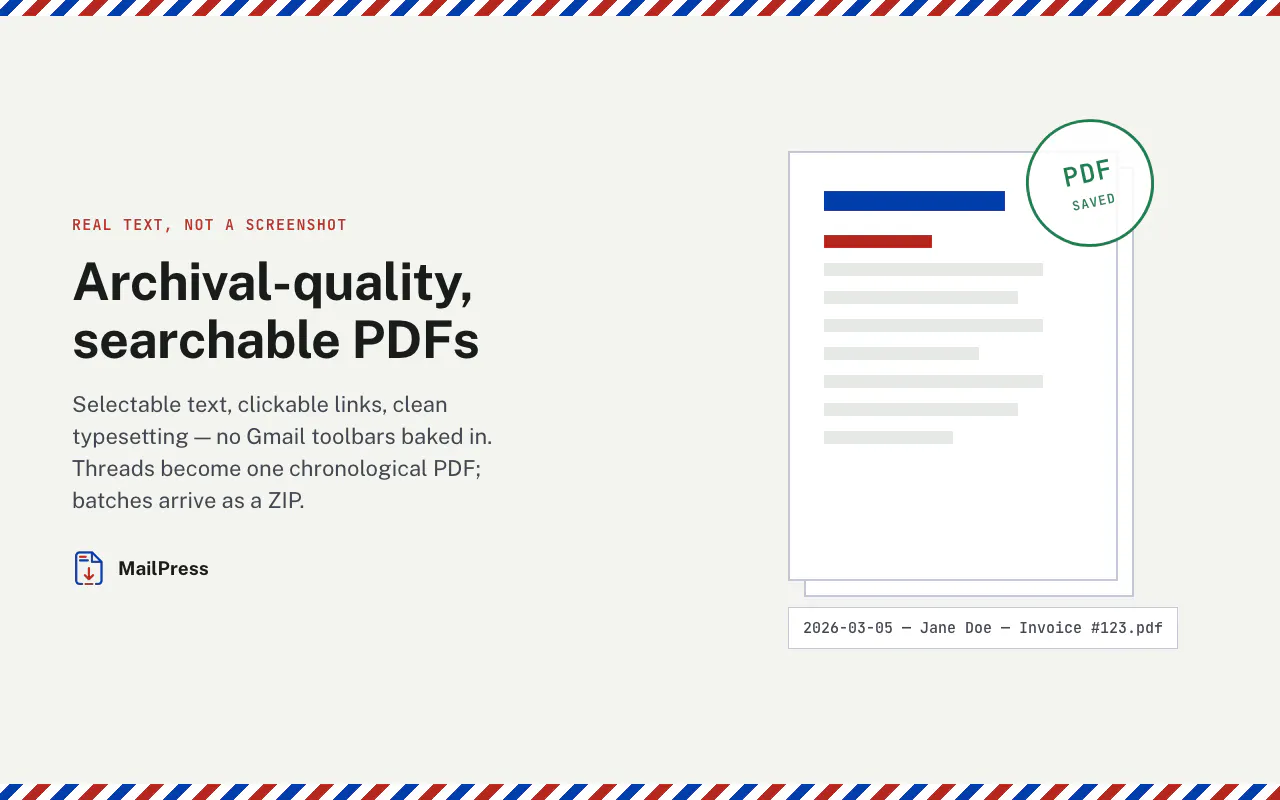
With a single click, MailPress generates clean, re-typeset, searchable PDFs with real selectable text. It handles full-thread exports, supports batch exporting as ZIP archives, offers customizable filename templates, and even features optional Google Drive uploads. Best of all, the rendering process happens 100% locally on your device, ensuring that your private emails never touch external servers.
MailPress adds a 'Save as PDF' button directly into your Gmail interface. With a single click, it exports your emails into clean, re-typeset, searchable PDFs with real selectable text, without needing to interact with messy print dialogs.
Yes. MailPress performs 100% local rendering on your device, meaning your private emails never touch any external servers or third-party email-to-PDF services.
Yes, MailPress supports full-thread exports, batch exports packaged as a ZIP file, customizable filename templates, and optional Google Drive uploads.
0 community reviews for MailPress
Help the community by sharing your experience. Your review helps others make better decisions.