Keytones is an innovative Mac menu bar utility designed to bring a functional, auditory dimension to your typing experience. Developed by veteran Mac app creator Stefan Keller, Keytones solves a universal typing annoyance: accidentally typing entire sentences in uppercase before realizing the Caps Lock was left on.
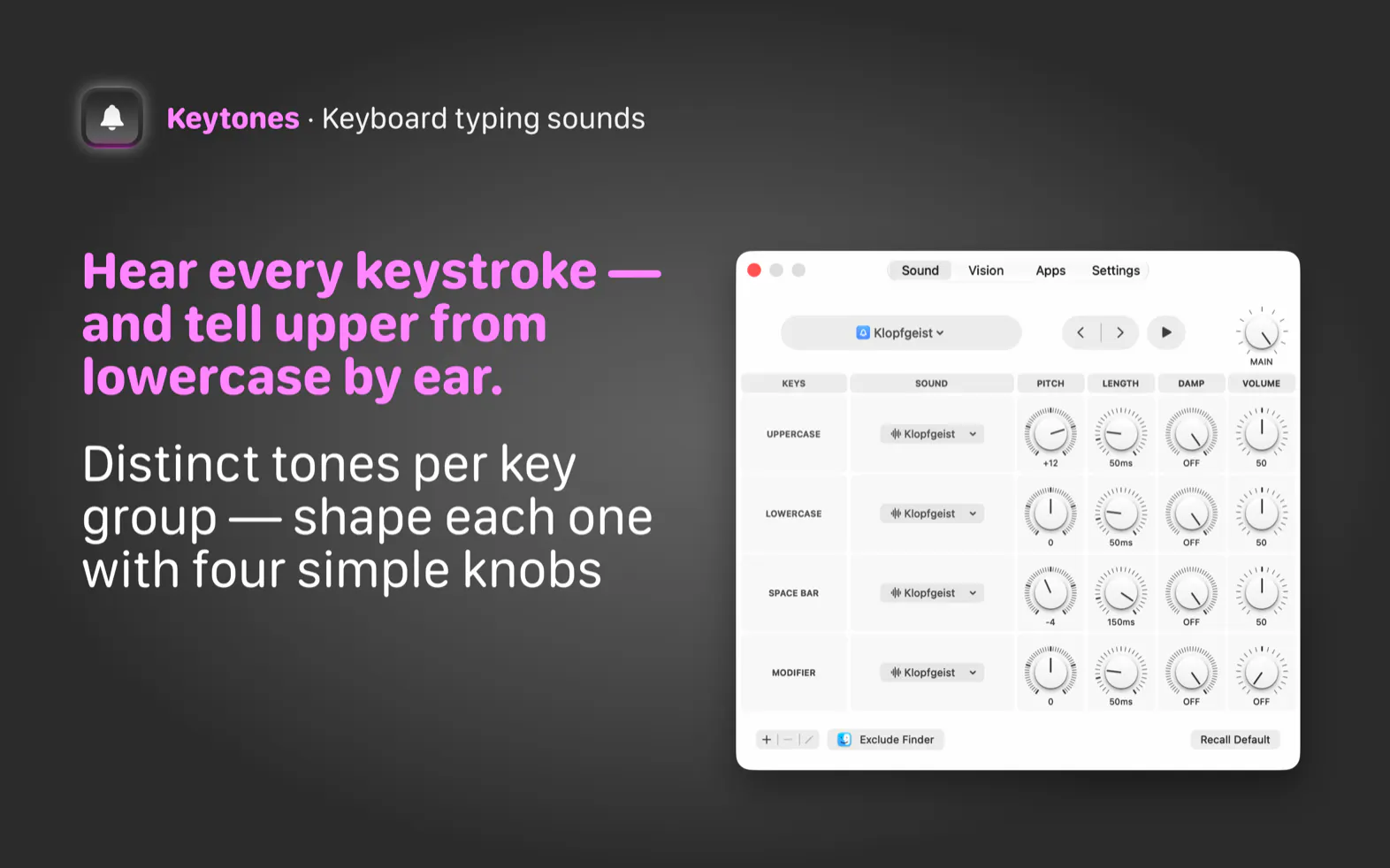
Unlike generic mechanical keyboard sound simulators, Keytones plays distinct, customizable sounds categorized by key groups—separating uppercase letters, lowercase letters, the space bar, and modifier keys. This allows your ears to instantly catch a stray Caps Lock before your eyes do. For advanced tuning, users can individually adjust pitch, length, damping, and volume per key group, or even import their own custom sounds.
Understanding that audible feedback isn't always appropriate, Keytones also features a Visual Feedback mode that creates a glowing screen edge pulsing with every keystroke. Additional modern conveniences include per-app control, Siri and Shortcuts integration, and an instant triple-tap mute feature. Best of all, Keytones is available as a straightforward one-time purchase with no recurring subscription fees.
Keytones is a native Mac menu bar app that plays distinct sounds for different key groups—such as uppercase, lowercase, space bar, and modifiers—helping you catch accidental Caps Lock errors instantly.
Yes! You can tune the pitch, length, damping, and volume per key group, as well as import your own custom sounds.
Keytones includes a Visual Feedback option that displays a glowing screen edge pulsing with every keystroke when audible feedback isn't an option.
No, Keytones is available as a one-time purchase with no subscription required.
0 community reviews for Keytones
Help the community by sharing your experience. Your review helps others make better decisions.

Crafting native Mac apps since 2006