Capsomnia is an open-source macOS utility created by indie maker Taketo Fujimaki that ingeniously turns your MacBook's Caps Lock key into a physical toggle switch to keep your computer awake, even with the lid closed.
Designed specifically for developers, power users, and AI practitioners, Capsomnia allows long-running background tasks—such as AI coding agents like Claude Code and Codex, SSH sessions, large builds, and heavy downloads—to continue uninterrupted when you shut your laptop. The application integrates natively with hardware indicators, using the Caps Lock light to show whether Capsomnia is currently active. If your Caps Lock key is already mapped to another function, the app allows you to easily choose an alternative shortcut.
Emphasizing privacy and user trust, Capsomnia is entirely free, open-source, signed, and notarized by Apple. It requires no user accounts and features zero telemetry. Having already generated massive traction in Japan with over 2.3 million views and 6,000+ downloads, it stands out as a lightweight, reliable solution for managing your Mac's sleep state.
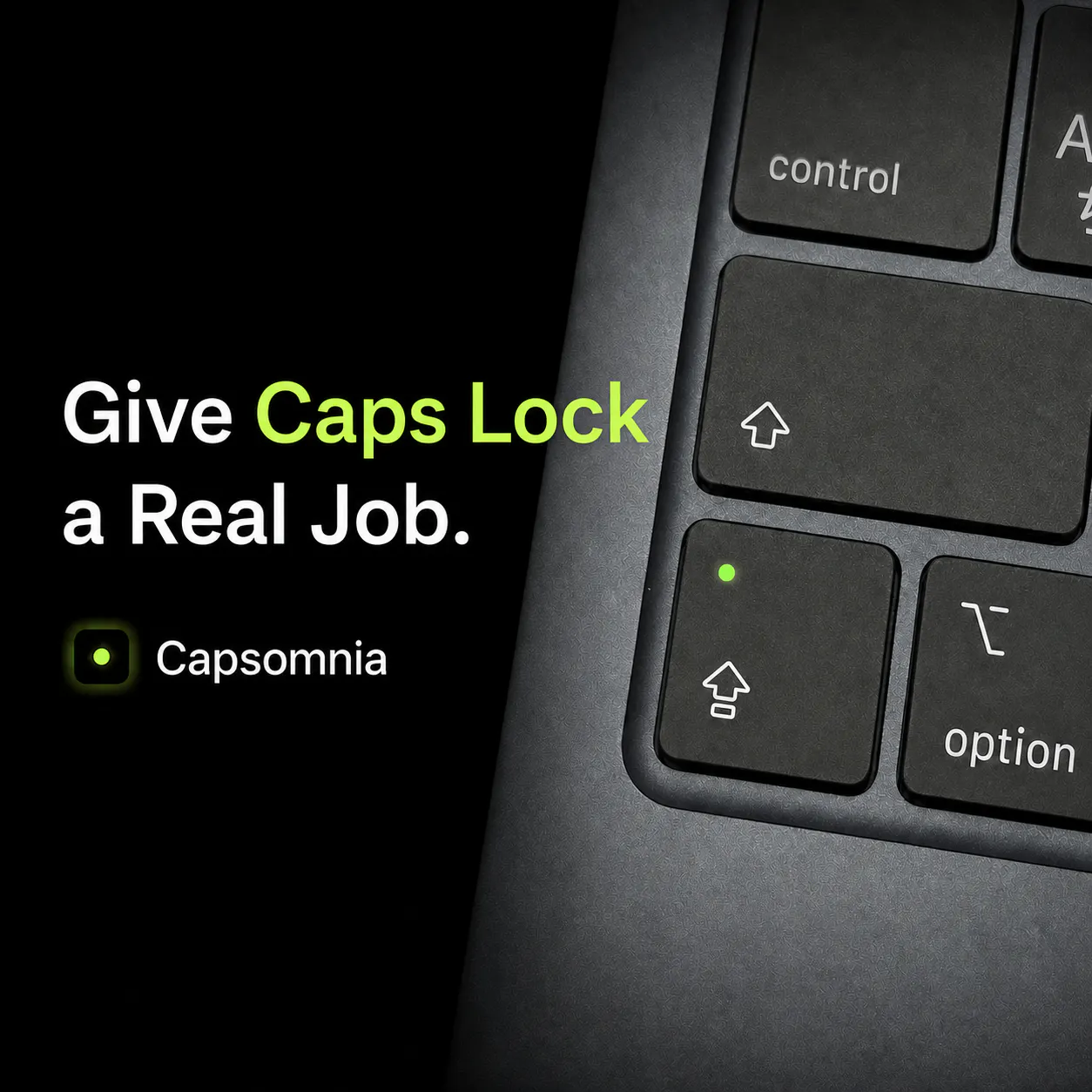
Capsomnia turns your Caps Lock key into a physical toggle switch that keeps your MacBook awake, even when you close the lid. This allows background tasks like AI agents (Claude Code, Codex), SSH sessions, builds, and downloads to keep running.
Yes, Capsomnia is completely free and open-source. It is also signed and notarized for macOS, containing no user accounts or telemetry.
If your Caps Lock key is already assigned to another function, you can simply choose a different shortcut within the app.
The Caps Lock hardware light still functions and will show you whether Capsomnia is currently active.
0 community reviews for Capsomnia
Help the community by sharing your experience. Your review helps others make better decisions.

Indie maker building simple Mac tools.