VoiceGecko is an open-source, local voice-to-text dictation application created by software developer Luke to enhance desktop productivity. It converts spoken audio into accurate text in real time, streamlining day-to-day writing tasks without relying on cloud services.
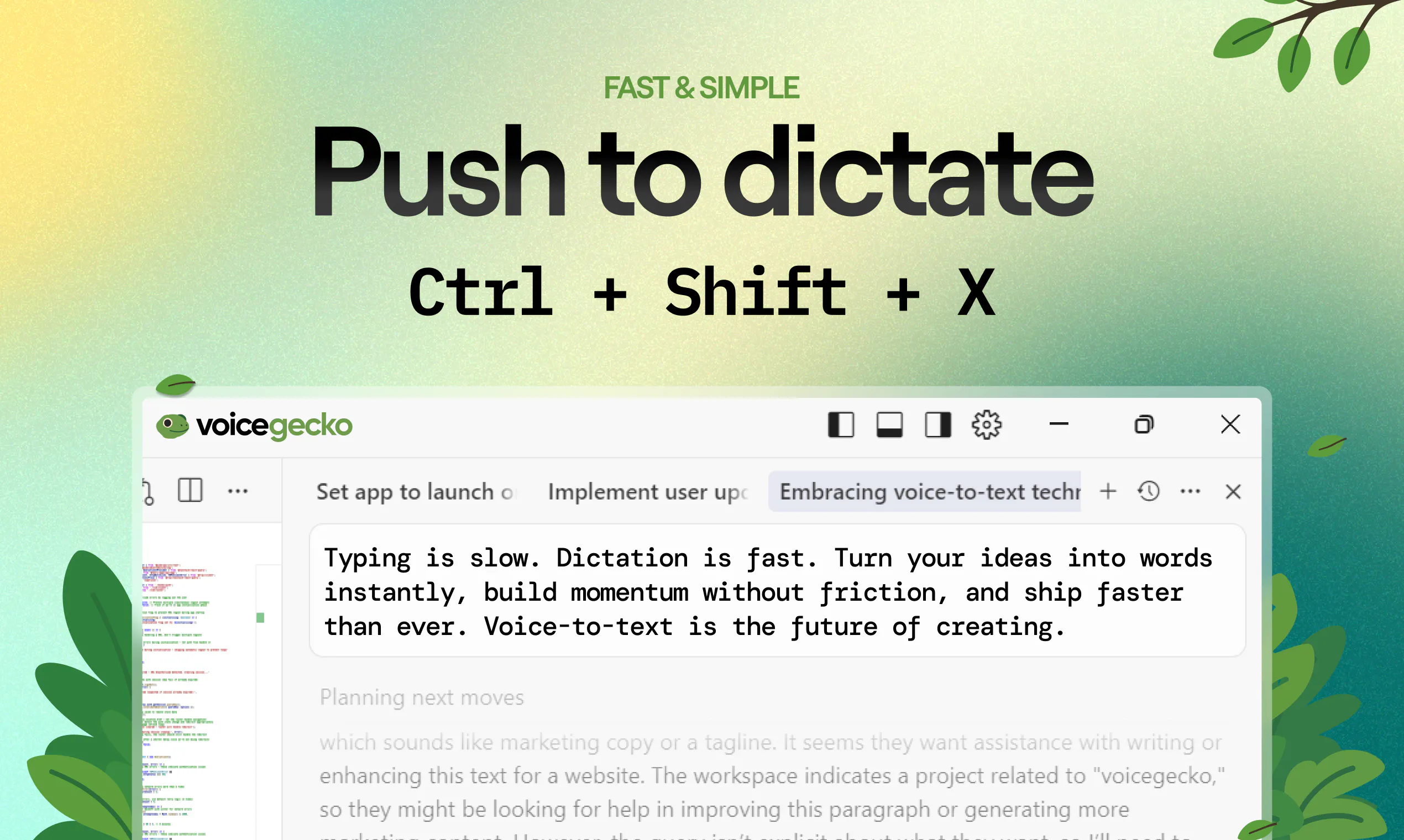
Designed to fit smoothly into existing workflows, VoiceGecko runs entirely via keyboard shortcuts. Users can initiate audio recording with a keypress, speak naturally, and let the software process the transcription locally on their desktop machine. Upon completion, the transcribed text is automatically saved directly to the system clipboard, allowing for instant pasting into any text field, application, or editor.
Because speech recognition takes place locally rather than sending audio data to external cloud servers, VoiceGecko guarantees high privacy alongside quick performance. It is particularly well-suited for dictating code, drafting emails, crafting AI prompts, or quickly capturing notes and brain dumps.
VoiceGecko is an open-source desktop voice-to-text dictation tool that performs local speech recognition and automatically copies transcribed text directly to your clipboard.
You press an assigned keyboard shortcut to start recording, speak your audio, and VoiceGecko processes the speech locally on your computer before copying the transcribed text to your clipboard for instant pasting.
Yes, VoiceGecko is completely open-source.
All speech-to-text processing occurs locally on your desktop machine, keeping your data private and removing the need to send audio to external cloud servers.
VoiceGecko is designed for desktop productivity, such as dictating code, drafting emails, writing detailed AI prompts, and performing rapid note-taking or brain dumps.
0 community reviews for VoiceGecko
Help the community by sharing your experience. Your review helps others make better decisions.

Software developer.