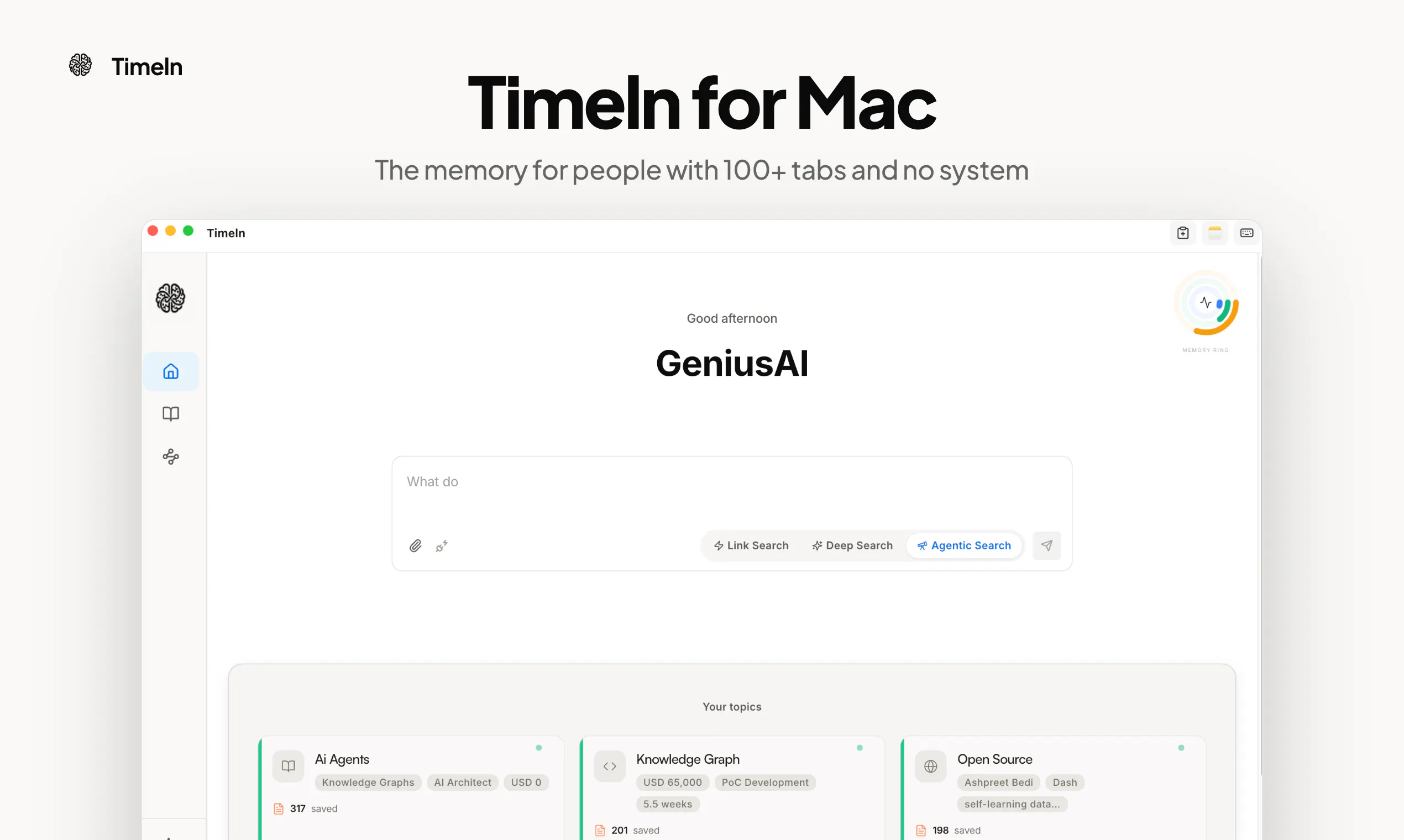
Timeln is a macOS menu bar application designed to act as your continuous personal context layer for Large Language Models (LLMs). By capturing what you read, save, and decide behind the scenes, Timeln ensures that your collected knowledge and research remain accessible and ready to use across your favorite AI workflows.
Saving information with Timeln requires zero manual organization. By simply tapping ⌘C three times, you can instantly save text, links, PDFs, or screenshots. There are no tags to create, no folder structures to maintain, and no manual sorting involved, allowing you to build a comprehensive reading history effortlessly.
Retrieving your saved context is just as seamless. You can press ⌘\ inside any application to search your stored memories instantly. Furthermore, Timeln integrates with popular AI development and chat platforms—including Claude, ChatGPT, and Cursor—enabling these models to answer questions based directly on everything you have saved.
Timeln is a Mac menu bar application that records your reading history, saved text, links, PDFs, and screenshots, making your personal context queryable across various AI models.
You can save whatever you are currently reading—including plain text, web links, PDF files, and screenshots—by tapping ⌘C three times. No tags or folders are needed.
Press ⌘\ in any application on your Mac to launch the search interface and find your saved memories instantly.
Timeln makes your context queryable across platforms such as Claude, ChatGPT, and Cursor, allowing these LLMs to generate answers using your reading history.
0 community reviews for Timeln
Help the community by sharing your experience. Your review helps others make better decisions.