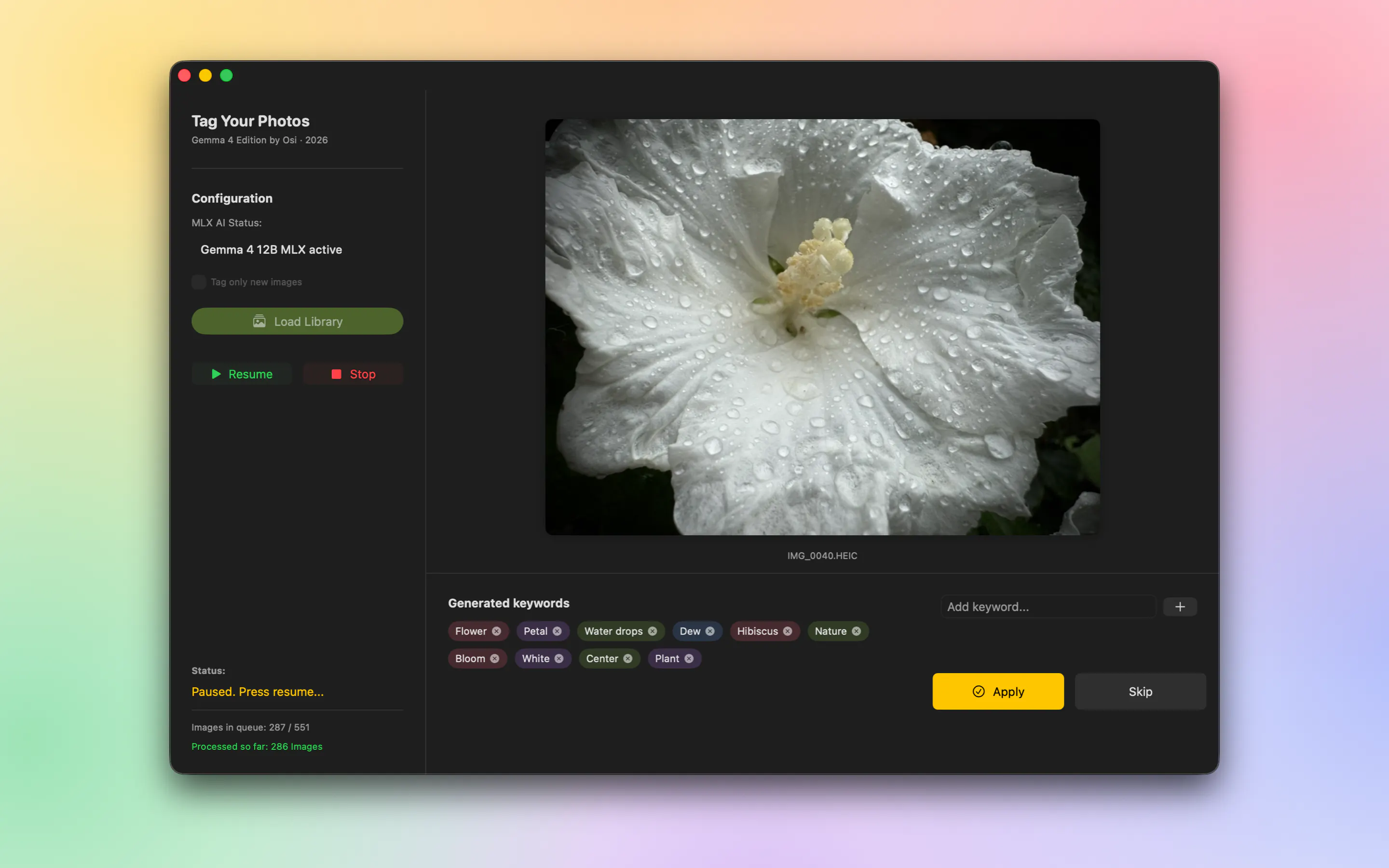
Tag Your Photos is an AI-powered utility built specifically for Apple Photos on macOS. Developed by Maik David, it automatically generates search keywords for your image collection using on-device artificial intelligence, eliminating the need to manually tag your photo library.
Unlike many photo management tools that require uploading your private media to third-party cloud servers, Tag Your Photos runs 100% on-device on your Mac. Powered by the Gemma 4 12B model via Apple MLX framework, your photos remain completely private with zero external cloud uploads.
The application interacts directly with your existing Apple Photos library, meaning you do not have to export your photos or maintain duplicate media files. The generated keywords land directly in system-wide Spotlight search, enabling quick searching right from your iPhone or iPad home screen as well as on your Mac. Additionally, the underlying model is configured conservatively—it sticks to general descriptors when uncertain to avoid making falsely specific guesses.
No. Tag Your Photos operates 100% on-device on your Mac using the Gemma 4 12B model via Apple MLX. No images are uploaded to the cloud.
No. The app works directly on your native Apple Photos library, so you do not need to export images or deal with duplicate files.
Yes. The keywords generated on your Mac integrate into system-wide Spotlight, allowing you to search for your photos directly from the home screen on iPhone and iPad.
The AI model is programmed to remain general when it is unsure, preventing it from assigning falsely specific or inaccurate tags to your photos.

0 community reviews for Tag Your Photos
Help the community by sharing your experience. Your review helps others make better decisions.

Hobby based Photographer and Xcoder