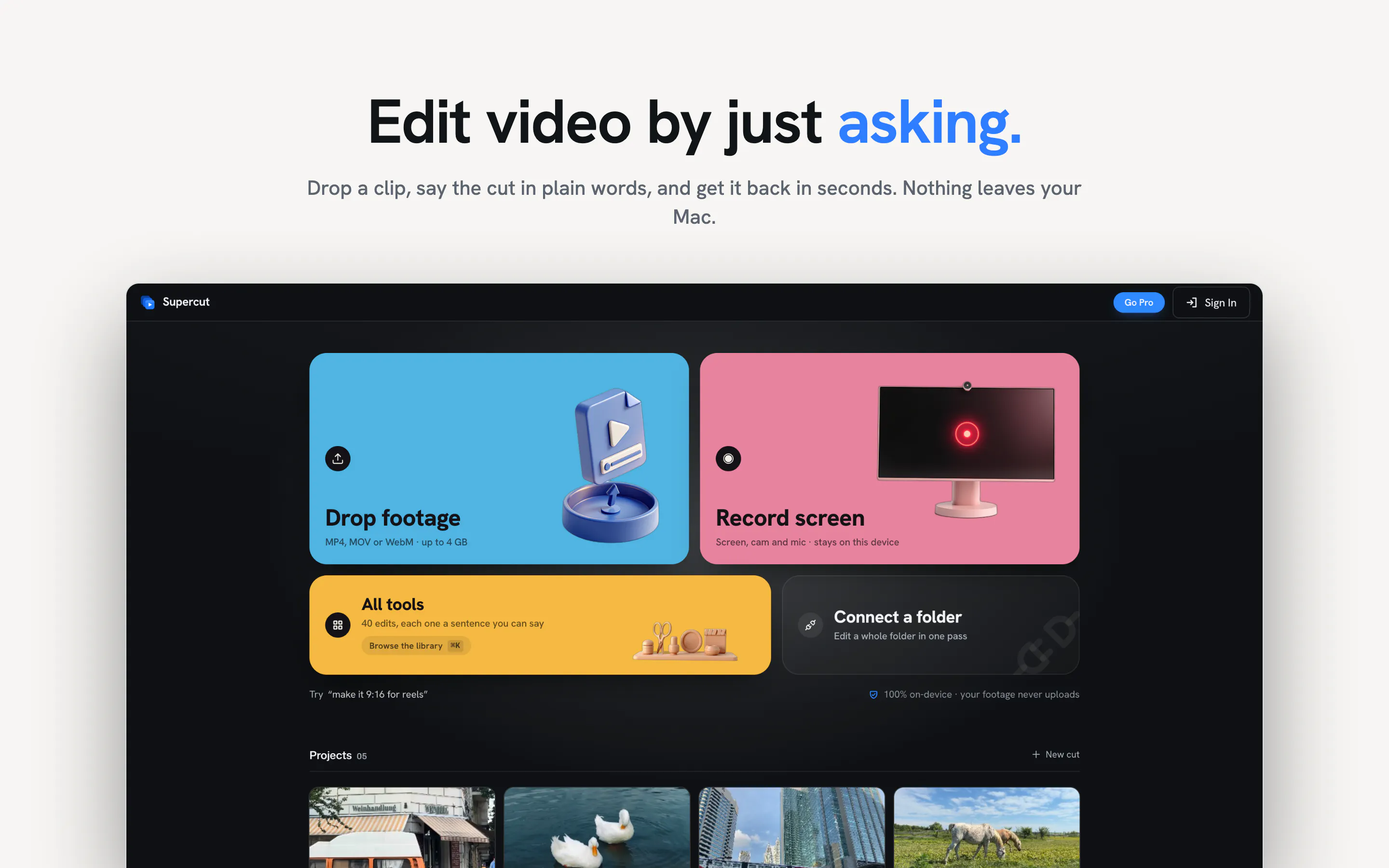
Supercut - AI Video Editor is a privacy-first video editing application designed to streamline content creation directly on your device. Built with a local-first philosophy, Supercut processes all footage locally, ensuring your media never uploads to external servers.
The editor provides two main entry points for video creation: you can either drop a clip into the software and type your desired edits using text prompts, or record your screen with automatic auto-zoom triggered on every mouse click. This makes it particularly useful for screen recordings, software walkthroughs, and prompt-driven video editing.
Despite running locally, Supercut offers a full editing suite featuring 40 tools, auto-generated captions, folder batch editing capabilities, a structured timeline interface, and 4K desktop exports. Users can start editing for free without needing to sign up for an account.
No, Supercut processes all media locally on your device. Your video footage never leaves your computer or uploads to external servers.
Supercut allows you to drop a clip into the editor and type out the edits you want to make, letting AI handle the processing based on your text prompt.
Supercut includes 40 editing tools, an interactive timeline, auto-captions, folder batch editing, screen recording with click auto-zoom, and 4K desktop exporting.
No, Supercut is free to start using and does not require an account to begin editing.
0 community reviews for Supercut - AI Video Editor
Help the community by sharing your experience. Your review helps others make better decisions.

Contributing to revolutionary techs.