CrewTower is an innovative developer tool designed specifically for MacBook users to manage and control multiple AI coding agents directly from the hardware notch or menu bar. As developers increasingly run concurrent AI agent sessions—such as Claude Code, Codex, Cursor, Gemini, Qwen, and OpenCode—keeping track of terminal prompts and permissions can quickly become overwhelming.
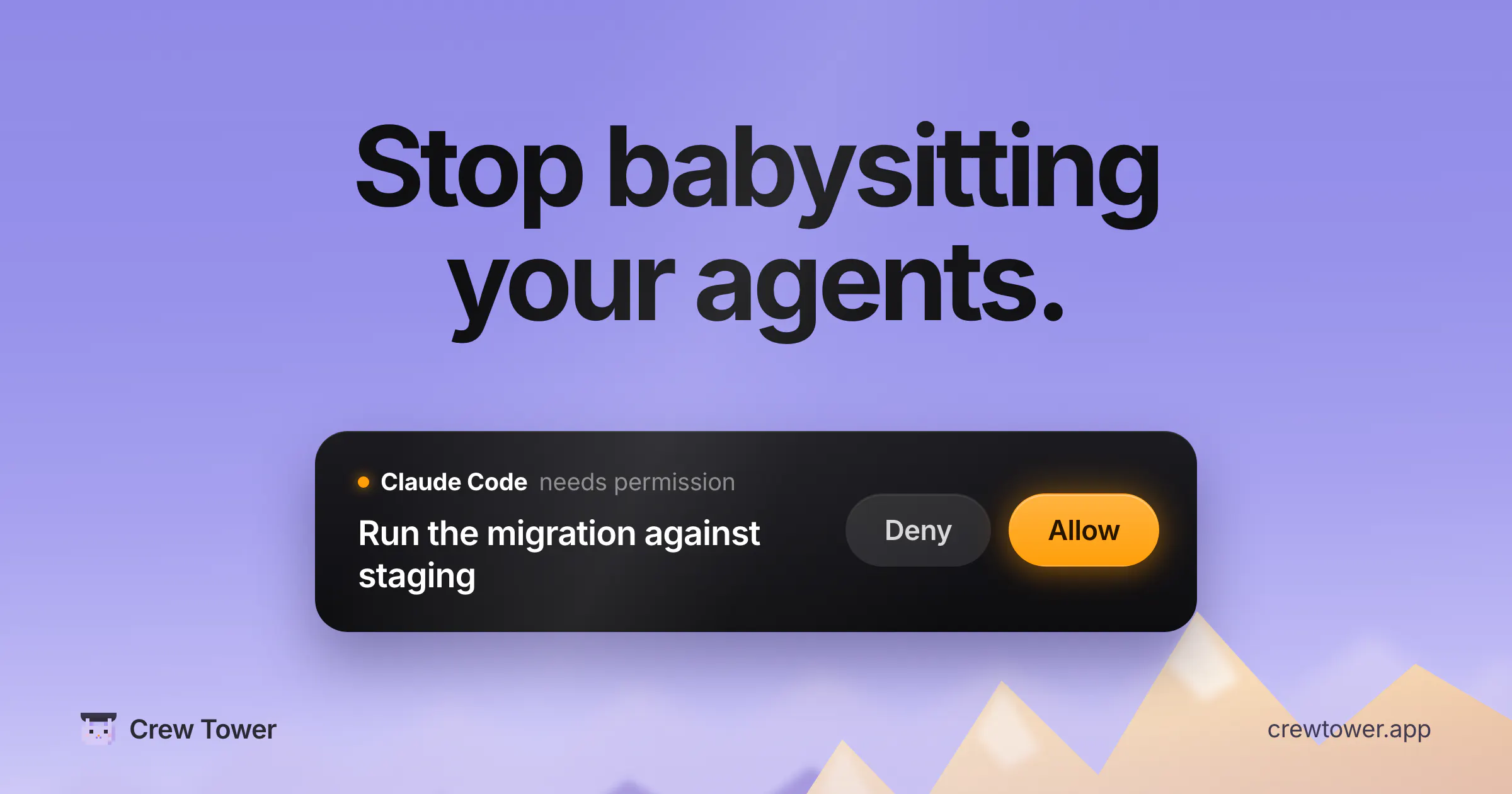
CrewTower solves this bottleneck by monitoring your active AI coding agents in real-time. When an agent requires permission to run a command, execute a file edit, or ask a question, the request surfaces right in your MacBook notch with full context. You can seamlessly approve or deny actions with a single click, eliminating the need to constantly alt-tab or hunt through terminal windows. It provides a centralized dashboard view where you can see every session at once—whether it is working, waiting, or completed—and jump straight to the correct terminal window instantly.
CrewTower supports a wide range of popular AI coding agents, including Claude Code, Codex, Cursor, Gemini, Qwen, and OpenCode.
When an AI agent needs permission to execute a command, edit a file, or ask a question, the request appears in your MacBook notch with full context. You can then approve or deny the request with a single click without having to switch to the terminal.
CrewTower lives natively in your MacBook notch, giving you quick access to your agent sessions and notifications right from your menu bar area.
0 community reviews for CrewTower
Help the community by sharing your experience. Your review helps others make better decisions.