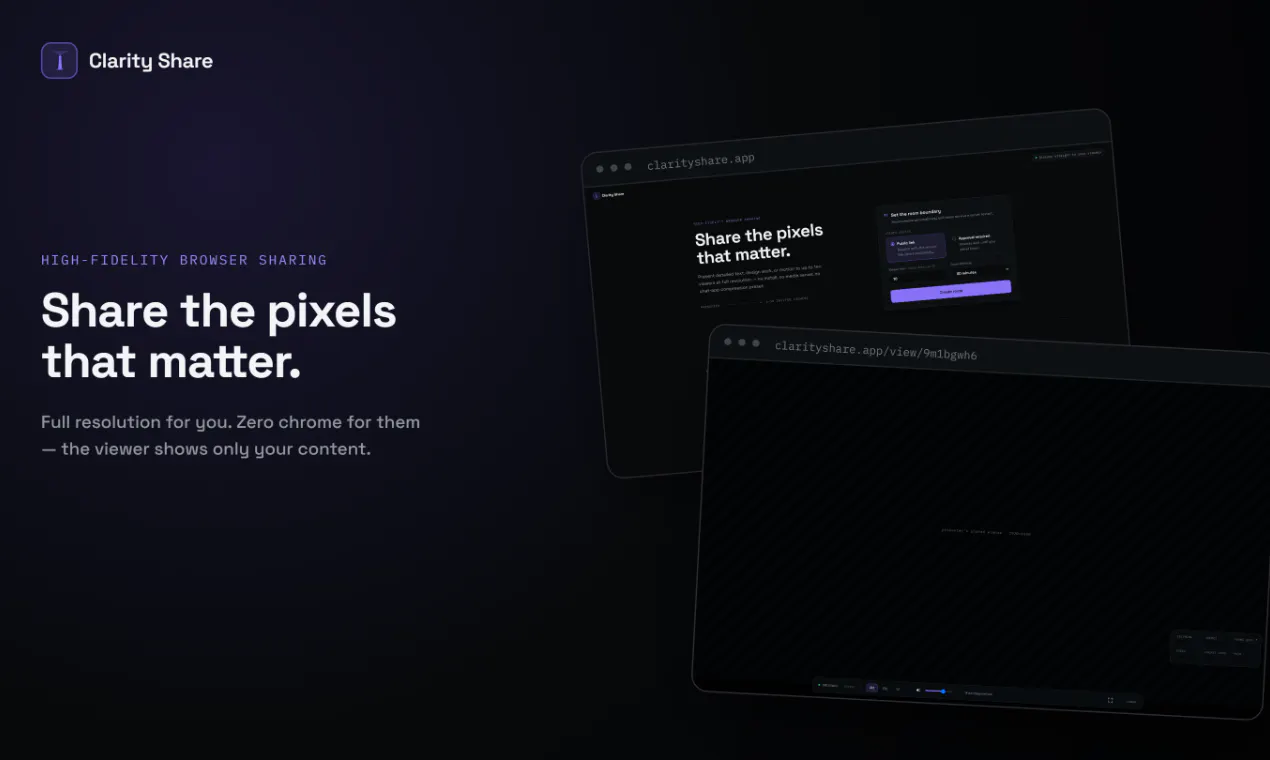
Clarity is a high-fidelity, browser-based screen-sharing tool specifically built for sharing detail-heavy content like code, documents, and design work—materials that standard chat applications often blur or compress. It is an ideal solution for developers, designers, and remote teams who need to present sharp, readable visuals without quality loss.
With Clarity, getting started is friction-free: there is no installation and no account creation required. Users can create an expiring room instantly, share a single link, and present their screen to up to 10 viewers. The tool allows hosts to select between text- or motion-optimized modes, approve viewers manually for extra security, and monitor every live connection. To ensure fast performance, streams are routed peer-to-peer whenever possible.
Clarity is optimized for high-fidelity sharing, meaning it prevents the blurring of detail-heavy content like code, text documents, and design projects that often occurs in standard chat apps.
You can share one link and present your screen to up to 10 viewers at a time.
No. Clarity is entirely browser-based and requires no software installation or account creation to use.
Clarity features temporary, expiring rooms, live connection monitoring, and the ability to manually approve viewers before they can access your stream.
Yes, you can choose between a text-optimized mode for sharp document and code reading, or a motion-optimized mode depending on your presentation needs.
0 community reviews for Clarity
Help the community by sharing your experience. Your review helps others make better decisions.