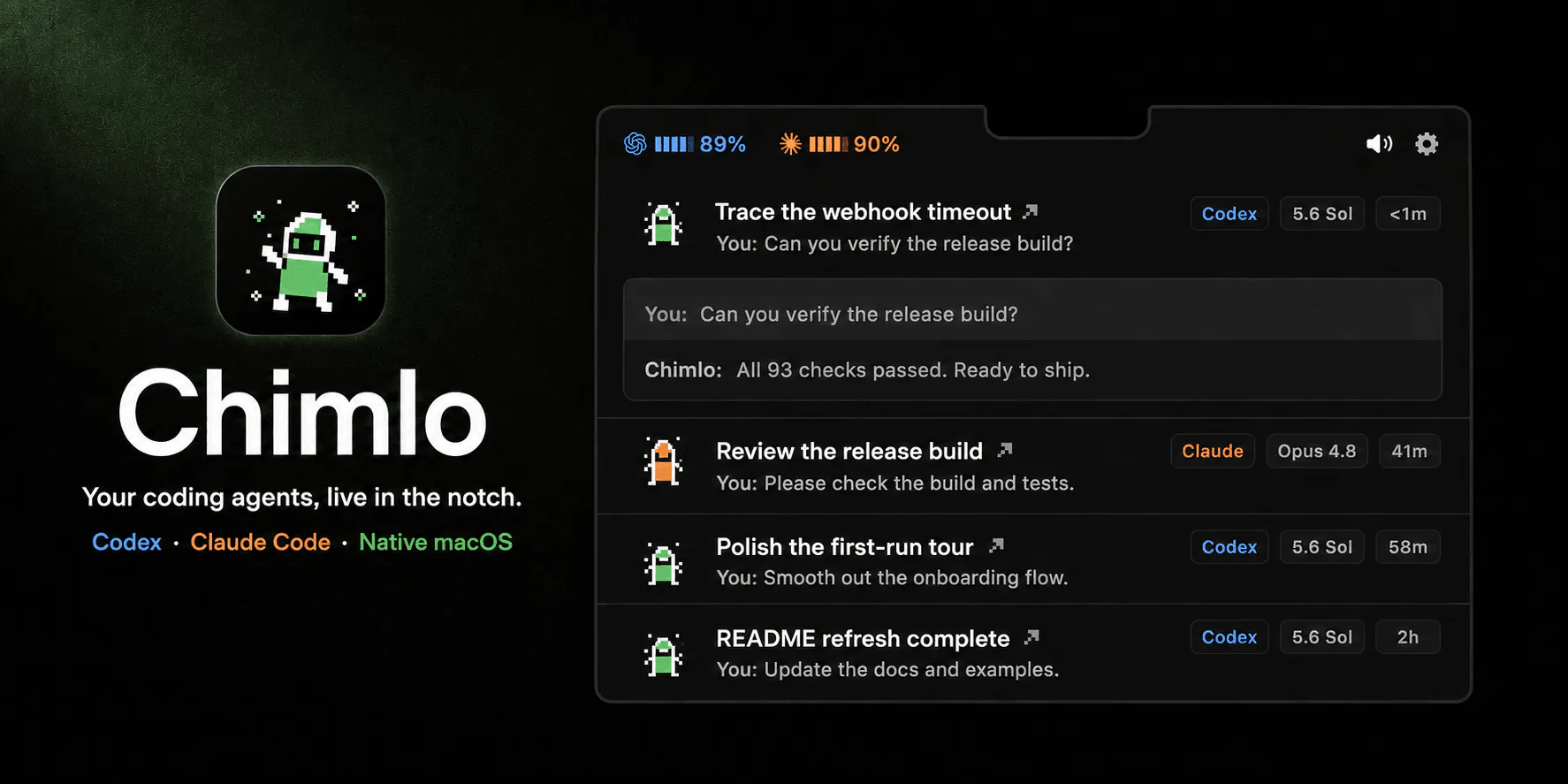
Chimlo is a free, open-source macOS application designed to streamline your workflow with AI agents like Codex and Claude Code by placing them directly in your MacBook's notch. Instead of hunting through terminal windows, Chimlo allows you to monitor your agents' states at a glance.
With Chimlo, you can instantly see if your agents are working, waiting, finished, or failed. The app also enables you to answer Claude Code questions and review permission requests directly from your screen's notch, keeping you focused and productive. You can also monitor your provider usage quickly.
In addition to tracking AI agents, Chimlo offers built-in controls for system media, volume, and brightness. These features are paired with animated pixel companions that visually reflect each state, making it easy to track operations with a simple glance.
Chimlo is a free and open-source macOS app that integrates Codex and Claude Code tracking directly into your MacBook's notch, allowing you to monitor AI agents and manage system controls seamlessly.
Chimlo lets you see whether your AI agents are working, waiting, finished, or failed. It also allows you to answer Claude Code questions, review permission requests, and check provider usage directly from the notch without using terminal windows.
Yes, Chimlo also handles system media, volume, and brightness controls. It features animated pixel companions that change based on the active state to make them easy to spot.
Chimlo is designed specifically as a macOS application to utilize the MacBook notch and menu bar.
0 community reviews for Chimlo
Help the community by sharing your experience. Your review helps others make better decisions.

Making Web Faster with SpeedVitals.com