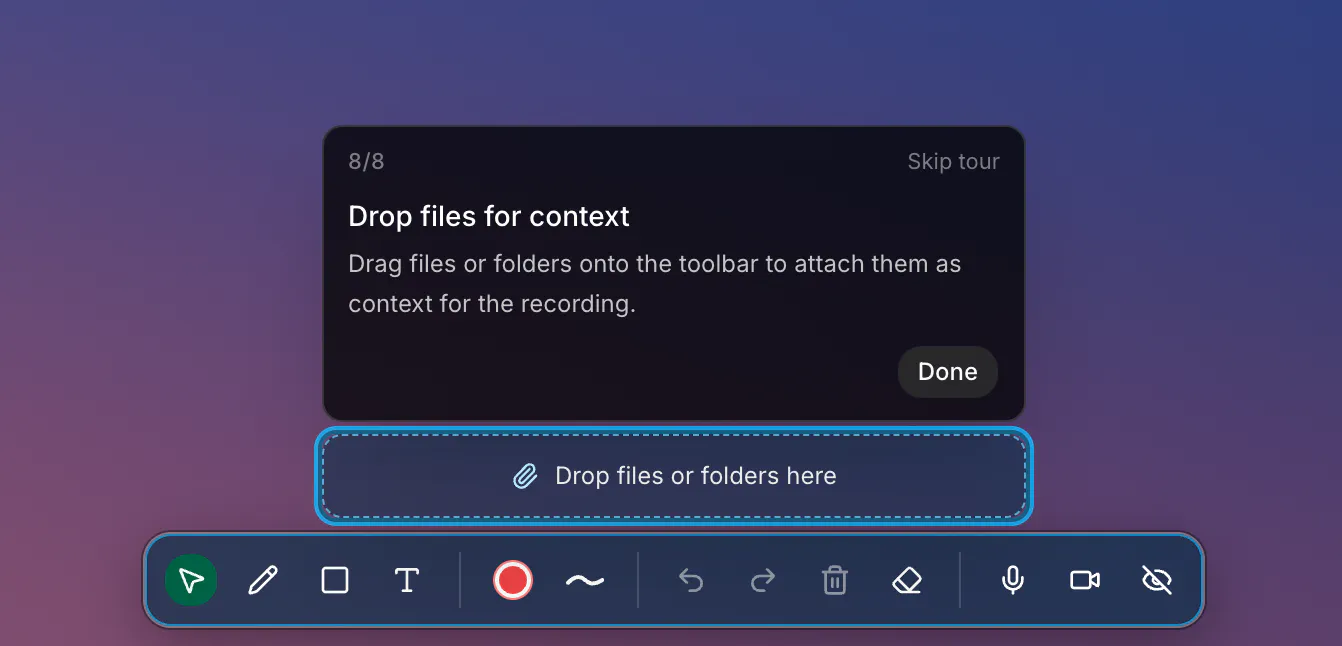
Annotate: File Drop is a 100% free tool designed to streamline developer and design workflows by combining visual actions with structured data. Developed by Kim Benedict, the tool allows users to drag and drop files, folders, images, or clipboard text directly into their workflow, serving as immediate context while performing screen recordings with Annotate.
The primary use case is to generate rich, context-aware prompts that can be fed into advanced AI systems. It is built to seamlessly integrate with popular AI platforms and coding environments, including Cursor, Claude, Codex, and any other AI agent coding harness. By merging live screen actions with local files and assets, it provides AI models with the precise, high-fidelity context required to generate accurate code, designs, or explanations.
Annotate: File Drop is a free tool that lets you drag and drop files, folders, images, or clipboard text to add extra context during a screen recording, helping you create highly contextual prompts for AI coding tools.
You can use the output context and recordings as prompts for Cursor, Claude, Codex, and any other AI agent coding harness.
The tool is 100% free to use.
0 community reviews for Annotate: File Drop
Help the community by sharing your experience. Your review helps others make better decisions.

Startup Developer.