
What's my local ai? vs Posy
Comprehensive feature analysis, ratings breakdown, platform compatibility, and community review comparison.
What's my local ai?
Find the best local model for your machine
Detailed Feature Comparison Matrix
Compare Other Tools| Dimension | What's my local ai? |  Posy |
|---|---|---|
| Primary Category | Web App | Web App |
| Community Rating | No ratings(0 reviews) | No ratings(0 reviews) |
| Community Upvotes | 12 votes | 10 votes |
| Supported Platforms | Web | Web |
| Tags & Focus | #Artificial Intelligence#GitHub#Web App | #Productivity#Web App#Lifestyle |
| Maker / Company | Independent Developer | Independent Developer |
| Platform Verification | Community Listing | Community Listing |
About What's my local ai?
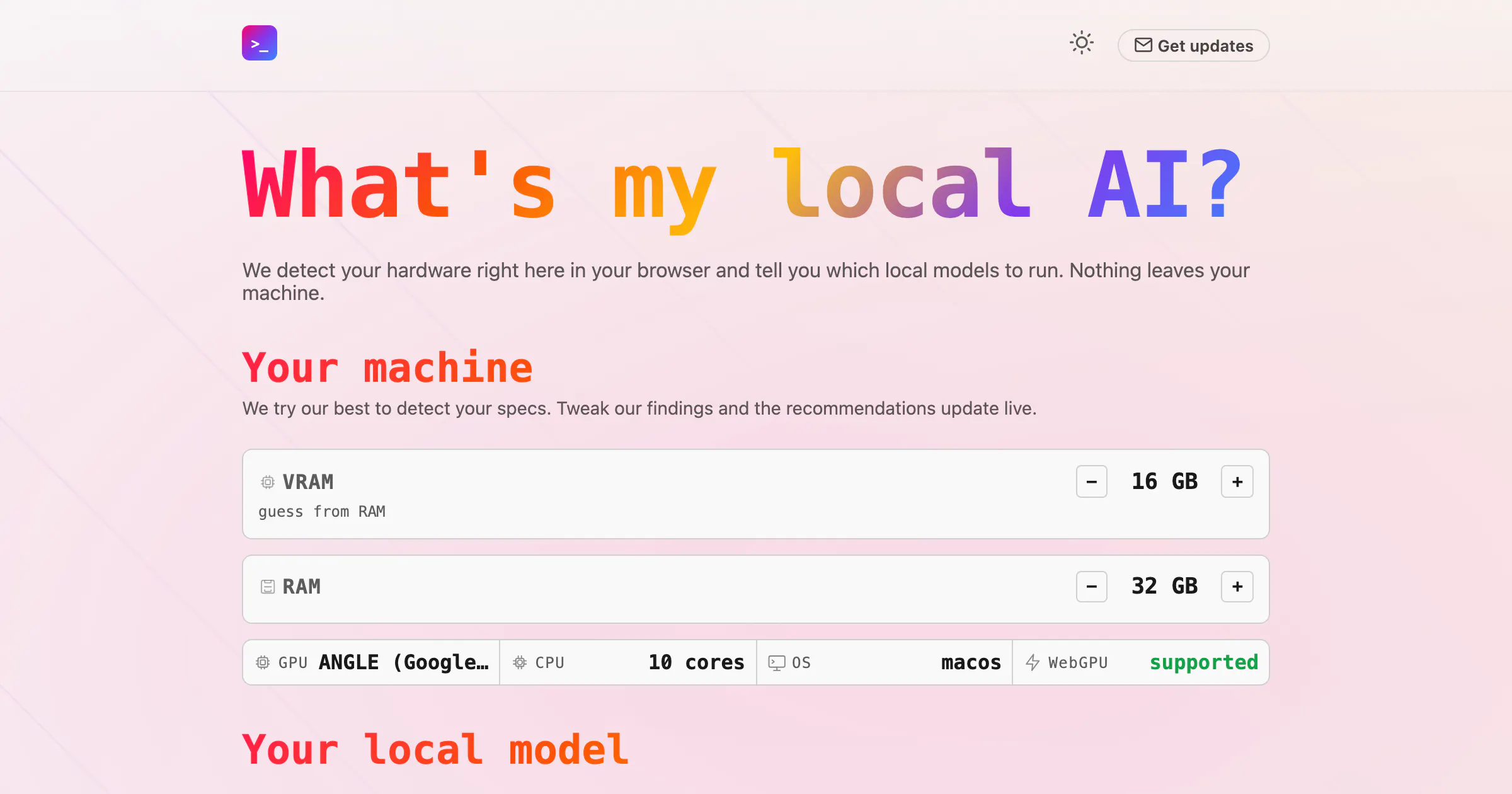
What's my local ai? is a specialized web application designed to help users find the best local artificial intelligence model for their specific computer hardware. Operating directly within your browser, the tool automatically detects your machine's hardware specifications to recommend optimal local models compatible with popular runtimes like Ollama or LM Studio.
Focused heavily on privacy and ease of use, What's my local ai? ensures that all hardware detection and processing happen securely on your device—meaning nothing ever leaves your machine.
Pros of What's my local ai?
- Detects your hardware right inside your browser
- Recommends local AI models tailored for Ollama or LM Studio
- Privacy-focused design ensures nothing leaves your machine
- Easy-to-use web application interface
Cons of What's my local ai?
- Limited to recommending models compatible with Ollama or LM Studio
- Relies entirely on browser-based hardware detection capabilities
Frequently Asked Questions
How does What's my local ai? detect my hardware?
The tool detects your hardware capabilities directly within your web browser.
Which local AI runtimes are supported?
The tool tells you which local models to run specifically with Ollama or LM Studio.
Is my hardware data kept private?
Yes. Nothing leaves your machine during the hardware detection and model recommendation process.
About Posy
Posy is a streamlined wedding planning web application designed to simplify wedding preparation starting from a single detail: your wedding date. By entering the event date, Posy automatically builds a customized month-by-month checklist of 125 tasks, intelligently scheduled around the exact amount of time you have left until your big day.
The platform focuses on frictionless productivity, requiring no account creation to get started. Couples can manage their progress by checking off tasks, printing physical copies of their checklists, or sharing planning duties directly with their partner. While the core timeline checklist is completely free forever, Posy also offers an optional one-time upgrade known as the full Kit for $29, which unlocks additional tools for managing budgets, guest lists, and seating arrangements.
Pros of Posy
- Completely free to use with no account creation required
- Generates a 125-task month-by-month checklist tailored to your specific timeline
- Includes sharing and printing capabilities to collaborate with your partner
- Offers a one-time payment of $29 for the full kit rather than an ongoing subscription
Cons of Posy
- Budget, guest list, and seating features require purchasing the paid kit
- Limited feature scope beyond checklist generation and the optional planning kit
- Relies entirely on the user's wedding date to structure initial planning milestones
Frequently Asked Questions
What is Posy?
Posy is a wedding planning web tool that creates a tailored, month-by-month checklist of 125 tasks based solely on your entered wedding date.
Do I need to create an account to use Posy?
No. Posy does not require an account to generate, manage, or print your wedding checklist.
Can I share my checklist with my partner?
Yes, Posy includes built-in options to share your checklist with your partner, check off tasks, and print the schedule.
How much does Posy cost?
Posy's timeline checklist is free forever. An optional upgrade called the full Kit—which includes budget, guest list, and seating tools—is available for a one-time fee of $29.