
What's my local ai? vs Loamnote
Comprehensive feature analysis, ratings breakdown, platform compatibility, and community review comparison.
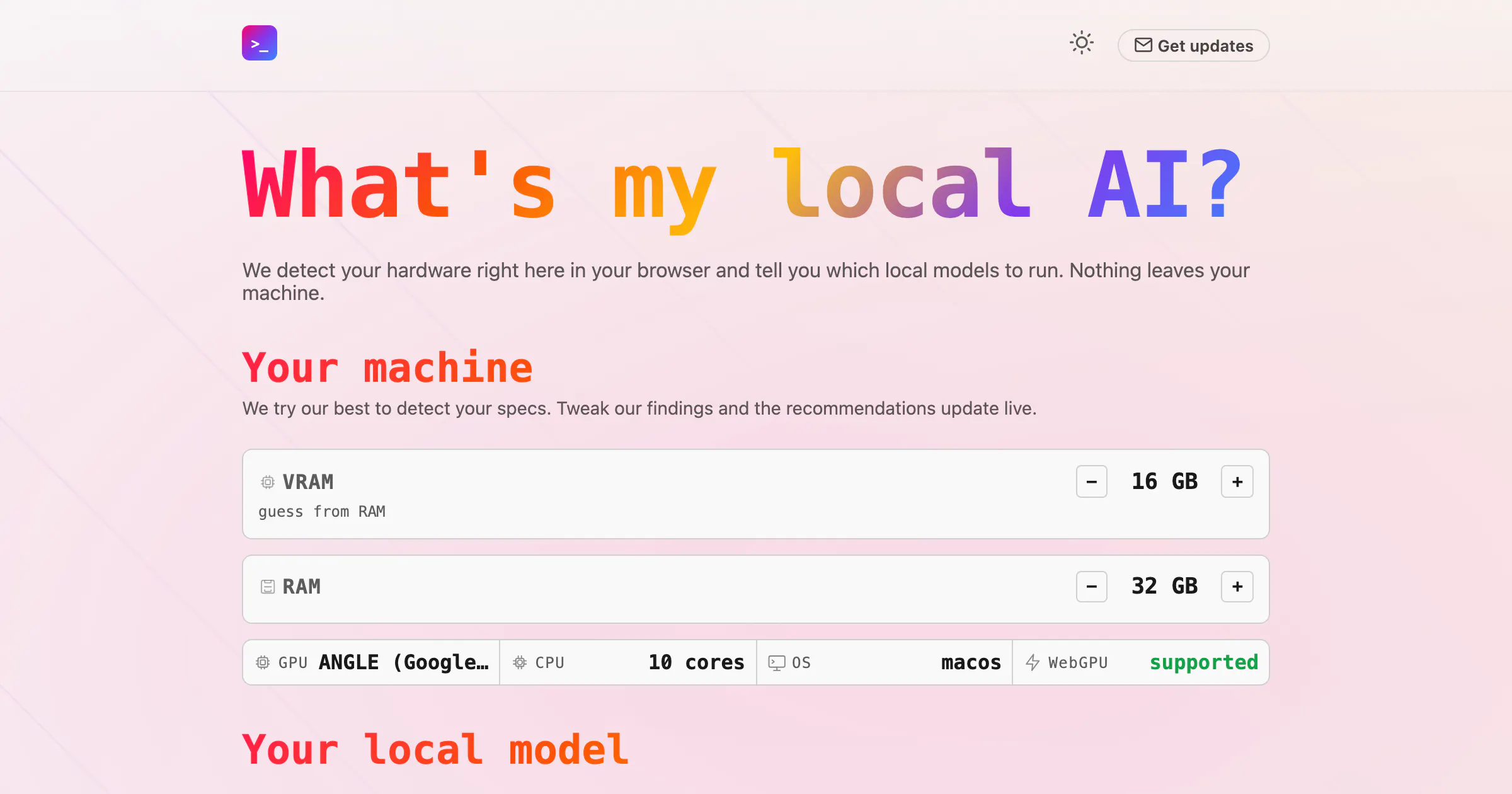
What's my local ai?
Find the best local model for your machine
Detailed Feature Comparison Matrix
Compare Other Tools| Dimension | What's my local ai? |  Loamnote |
|---|---|---|
| Primary Category | Web App | Web App |
| Community Rating | No ratings(0 reviews) | No ratings(0 reviews) |
| Community Upvotes | 12 votes | 6 votes |
| Supported Platforms | Web | Web |
| Tags & Focus | #Artificial Intelligence#GitHub#Web App | #Productivity#Web App#Music |
| Maker / Company | Independent Developer | Independent Developer |
| Platform Verification | Community Listing | Community Listing |
About What's my local ai?
What's my local ai? is a specialized web application designed to help users find the best local artificial intelligence model for their specific computer hardware. Operating directly within your browser, the tool automatically detects your machine's hardware specifications to recommend optimal local models compatible with popular runtimes like Ollama or LM Studio.
Focused heavily on privacy and ease of use, What's my local ai? ensures that all hardware detection and processing happen securely on your device—meaning nothing ever leaves your machine.
Pros of What's my local ai?
- Detects your hardware right inside your browser
- Recommends local AI models tailored for Ollama or LM Studio
- Privacy-focused design ensures nothing leaves your machine
- Easy-to-use web application interface
Cons of What's my local ai?
- Limited to recommending models compatible with Ollama or LM Studio
- Relies entirely on browser-based hardware detection capabilities
Frequently Asked Questions
How does What's my local ai? detect my hardware?
The tool detects your hardware capabilities directly within your web browser.
Which local AI runtimes are supported?
The tool tells you which local models to run specifically with Ollama or LM Studio.
Is my hardware data kept private?
Yes. Nothing leaves your machine during the hardware detection and model recommendation process.
About Loamnote
Loamnote is a free focus sound web application designed to help users achieve quieter, deeper concentration during work sessions. Developed by maker Os Ishmael, the platform carefully blends soft noise, layered notes, subtle movement, and binaural frequencies to create immersive and calming soundscapes.
Built with practicality in mind, Loamnote goes beyond simple ambient noise by offering on-device sound generation, making it fully capable of offline use. To help structure your workday, the app also includes flexible timers and a dedicated Pomodoro mode, allowing you to easily choose a soundscape, press play, and settle into your workflow.
Pros of Loamnote
- Blends soft noise, layered notes, subtle movement, and binaural frequencies
- Includes flexible timers and a built-in Pomodoro mode
- Features on-device sound generation supporting offline use
- Completely free to use web app
Cons of Loamnote
- Currently limited to web application format based on available data
- Feature set is tightly focused on soundscapes and time management
Frequently Asked Questions
What is Loamnote?
Loamnote is a free focus sound app that blends soft noise, layered notes, subtle movement, and binaural frequencies to help you focus during work.
Can I use Loamnote offline?
Yes, Loamnote features on-device sound generation, which allows for offline use.
Does Loamnote include productivity timers?
Yes, it includes flexible timers as well as a dedicated Pomodoro mode to help you manage your work sessions.