
What's my local ai? vs framejs
Comprehensive feature analysis, ratings breakdown, platform compatibility, and community review comparison.
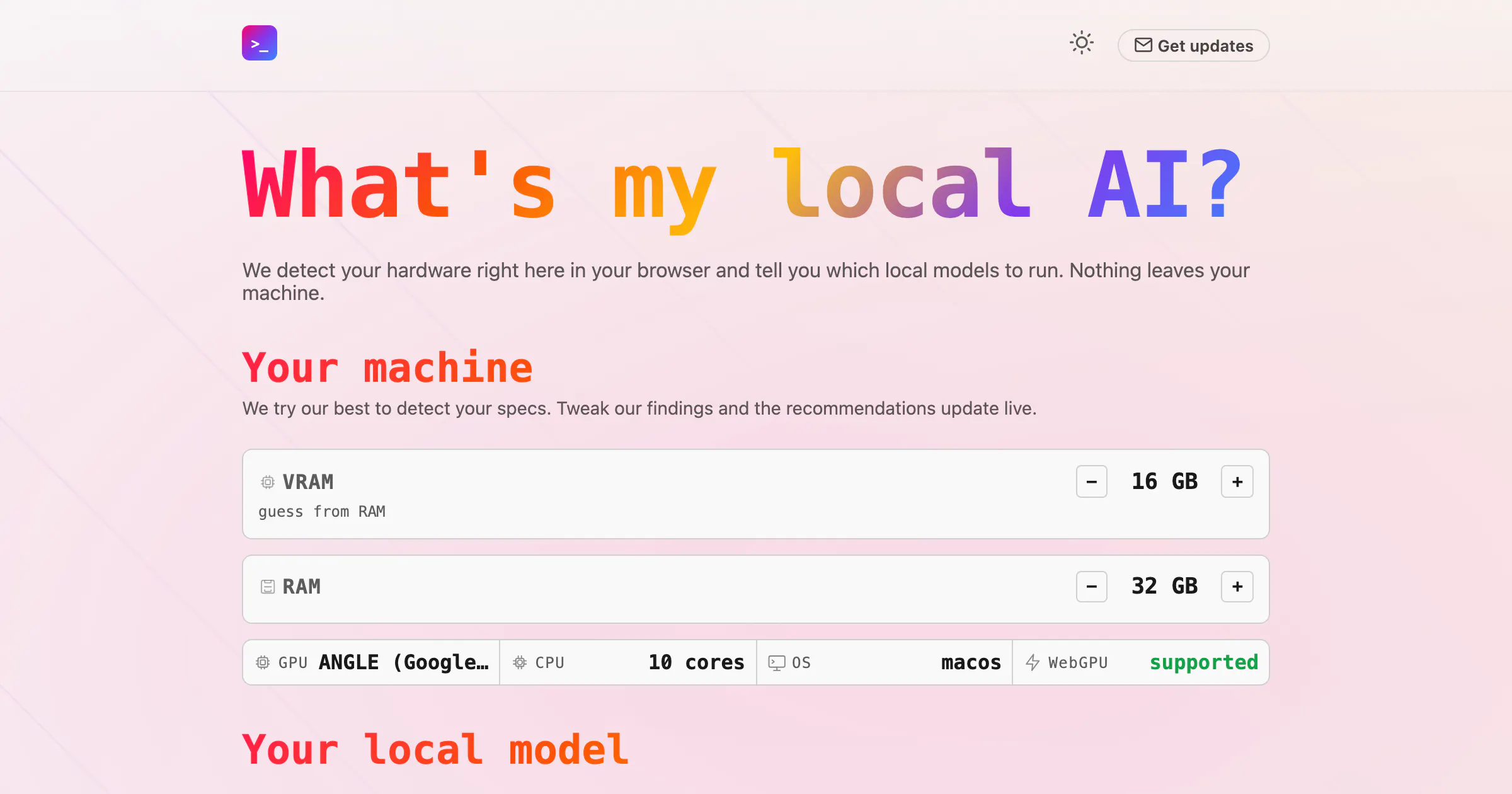
What's my local ai?
Find the best local model for your machine
Detailed Feature Comparison Matrix
Compare Other Tools| Dimension | What's my local ai? |  framejs |
|---|---|---|
| Primary Category | Web App | Web App |
| Community Rating | No ratings(0 reviews) | No ratings(0 reviews) |
| Community Upvotes | 12 votes | 5 votes |
| Supported Platforms | Web | Web |
| Tags & Focus | #Artificial Intelligence#GitHub#Web App | #Open Source#GitHub#Web App#Data Visualization |
| Maker / Company | Independent Developer | Independent Developer |
| Platform Verification | Community Listing | Community Listing |
About What's my local ai?
What's my local ai? is a specialized web application designed to help users find the best local artificial intelligence model for their specific computer hardware. Operating directly within your browser, the tool automatically detects your machine's hardware specifications to recommend optimal local models compatible with popular runtimes like Ollama or LM Studio.
Focused heavily on privacy and ease of use, What's my local ai? ensures that all hardware detection and processing happen securely on your device—meaning nothing ever leaves your machine.
Pros of What's my local ai?
- Detects your hardware right inside your browser
- Recommends local AI models tailored for Ollama or LM Studio
- Privacy-focused design ensures nothing leaves your machine
- Easy-to-use web application interface
Cons of What's my local ai?
- Limited to recommending models compatible with Ollama or LM Studio
- Relies entirely on browser-based hardware detection capabilities
Frequently Asked Questions
How does What's my local ai? detect my hardware?
The tool detects your hardware capabilities directly within your web browser.
Which local AI runtimes are supported?
The tool tells you which local models to run specifically with Ollama or LM Studio.
Is my hardware data kept private?
Yes. Nothing leaves your machine during the hardware detection and model recommendation process.
About framejs
framejs is an open-source tool designed to build and share interactive web applications that exist entirely within a URL. Unlike traditional platforms such as Streamlit or Observable that require active backend servers to host code and maintain state, framejs encodes your app's entire architecture—including JavaScript, CSS, and application state—directly into the URL itself.
With framejs, there is no need for server hosting infrastructure, deployment pipelines, or complex build setups. Users can prompt AI to construct an application or data visualization, copy the generated link, and distribute it anywhere. The application runs natively in the browser, providing a light, serverless way to create and present interactive web tools instantly.
Pros of framejs
- Encodes JavaScript, CSS, and application state directly into the URL
- Requires zero server hosting, deployment pipelines, or build setups
- Open-source software that can be used standalone or embedded into existing apps
- Works seamlessly with AI prompting for fast app creation and sharing
Cons of framejs
- Does not support server-side backend logic or persistent backend databases
- Execution is strictly limited to client-side browser capabilities
Frequently Asked Questions
How does framejs work?
framejs encodes the full application codebase—including JavaScript, CSS, and state—directly into the URL string. When opened, the application executes entirely within the user's web browser without connecting to a dedicated backend server.
How does framejs differ from Observable or Streamlit?
Observable and Streamlit rely on backend servers that must remain online to run interactive code. framejs completely removes the server requirement by storing the code and state inside the URL payload.
Is framejs open source?
Yes, framejs is open source. You can use it as a standalone tool or incorporate it directly into your own software projects.
Do I need to host or deploy my framejs apps?
No. framejs requires no deployment, hosting, or build process. You simply share the generated URL, and the interactive app runs wherever the link is opened.