
Prolytics OS vs Kinlyze
Comprehensive feature analysis, ratings breakdown, platform compatibility, and community review comparison.
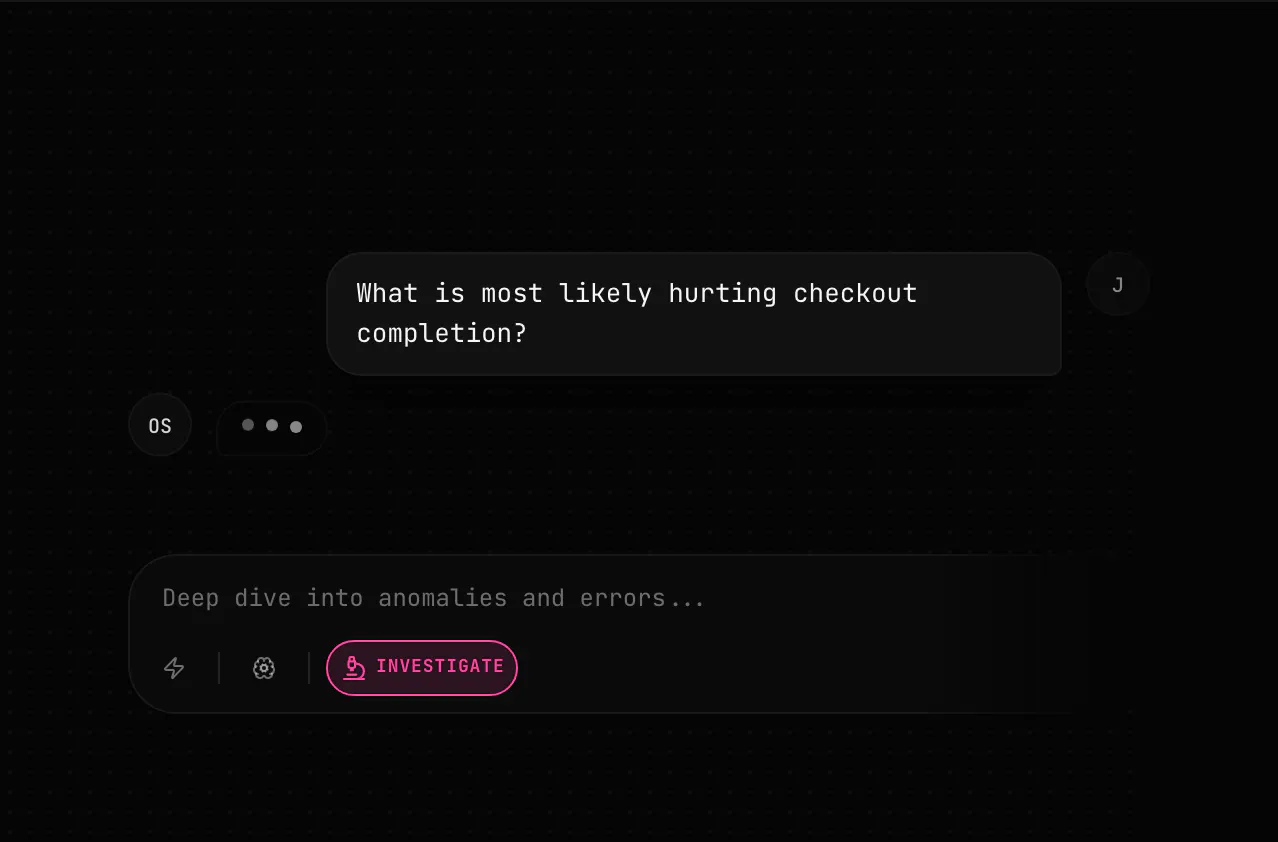
Prolytics OS
Stop manually connecting PostHog, Stripe, and Sentry data
Detailed Feature Comparison Matrix
Compare Other Tools| Dimension | Prolytics OS |  Kinlyze |
|---|---|---|
| Primary Category | Analytics | Analytics |
| Community Rating | No ratings(0 reviews) | 5.0(1 reviews) |
| Community Upvotes | 9 votes | 10 votes |
| Supported Platforms | Web | Web |
| Tags & Focus | #Artificial Intelligence#SaaS#Analytics | #Developer Tools#GitHub#Analytics |
| Maker / Company | Independent Developer | Independent Developer |
| Platform Verification | Community Listing | Community Listing |
About Prolytics OS
Prolytics OS is an advanced analytics and AI-powered intelligence tool designed to solve a fragmented data problem for modern software teams. In a typical tech stack, product behavior data lives in PostHog, revenue tracking happens in Stripe, and application errors are monitored in Sentry. When a core metric shifts unexpectedly, teams traditionally waste valuable time manually cross-referencing and connecting data across all three platforms.
Prolytics OS automates this cross-functional investigation process entirely. The platform features an automated Health system that flags key metrics requiring your immediate attention. Its powerful Engine investigates the underlying root causes by fetching numbers, testing correlations, and digging into ambiguous changes with supporting evidence attached. Finally, built-in Watches monitor your fixes to confirm whether your deployed solutions successfully resolved the issue.
Built with enterprise security and data privacy in mind, Prolytics OS operates strictly in a read-only mode and guarantees that your proprietary business data is never used for model training.
Pros of Prolytics OS
- Automatically bridges data silos between PostHog, Stripe, and Sentry
- Health monitoring proactively flags metrics that need attention
- Engine feature handles deep investigations with attached evidence and correlation testing
- Watches confirm the effectiveness of your fixes over time
- Prioritizes data security with read-only access and no training on user data
Cons of Prolytics OS
- Requires integration specifically with PostHog, Stripe, and Sentry
- Launch Access package comes with a notable upfront cost ($499)
- Credit-based system limits resource-heavy operations depending on usage
Frequently Asked Questions
What tools does Prolytics OS connect?
Prolytics OS connects data from PostHog (product behavior), Stripe (revenue), and Sentry (errors) to give you a unified view of your business metrics.
How does Prolytics OS investigate metric changes?
Its Engine investigates changes by fetching numbers, testing correlations, digging into unclear changes, and providing attached evidence to explain why a metric moved.
Is my company data safe with Prolytics OS?
Yes. Prolytics OS operates on a read-only basis and explicitly guarantees that it does not use your data to train AI models.
What is included in the Launch Access package?
The Launch Access package is priced at $499 and includes a full Growth Analysis, 90 days of OS access, and 100 credits.
About Kinlyze
Kinlyze is an analytics tool for engineering teams designed to identify critical developer dependencies and knowledge risks before they turn into operational bottlenecks. By focusing on organizational continuity, Kinlyze allows team leads and engineering managers to understand what happens to their codebase when key team members depart.
The tool operates with security and privacy in mind by scanning git history locally and completely offline—never accessing or reading your underlying source code directly. Through this history analysis, Kinlyze generates visual knowledge heatmaps and calculates module-level bus factor risks to surface isolated domain expertise across your repositories.
Key capabilities include an Offboarding Simulator, which lets you simulate the departure of specific developers to instantly highlight vulnerable code modules and single points of failure. Additionally, the platform features the Kinlyze Agent, which automatically performs weekday scans and syncs updated reports to your central dashboard to keep your knowledge metrics current.
Pros of Kinlyze
- Scans Git history fully offline without accessing or storing source code
- Offboarding simulator reveals critical knowledge gaps before a developer resigns
- Provides clear knowledge heatmaps and module-level bus factor analysis
- Automated Kinlyze Agent runs weekday scans and syncs to your dashboard
- Includes a 1-month free Pro trial with no credit card required
Cons of Kinlyze
- Relies entirely on Git commit history rather than real-time code execution analysis
- Long-term pricing structure beyond the 1-month Pro trial is not explicitly detailed
Frequently Asked Questions
Does Kinlyze store or scan my actual source code?
No. Kinlyze scans your Git history completely offline and never scans, uploads, or stores your source code.
What is the Kinlyze Offboarding Simulator?
The offboarding simulator allows you to select a specific developer and view which modules, code paths, or workflows would be at risk or left without coverage if that engineer leaves.
How does the Kinlyze Agent work?
The Kinlyze Agent automatically runs scheduled scans every weekday and updates your dashboard with fresh knowledge heatmaps and risk data.
Is there a free trial available for Kinlyze?
Yes, Kinlyze provides the Pro tier free for your first month, and no credit card is required to sign up.