
Ghostlink vs Tokokino
Comprehensive feature analysis, ratings breakdown, platform compatibility, and community review comparison.
Detailed Feature Comparison Matrix
Compare Other Tools| Dimension | 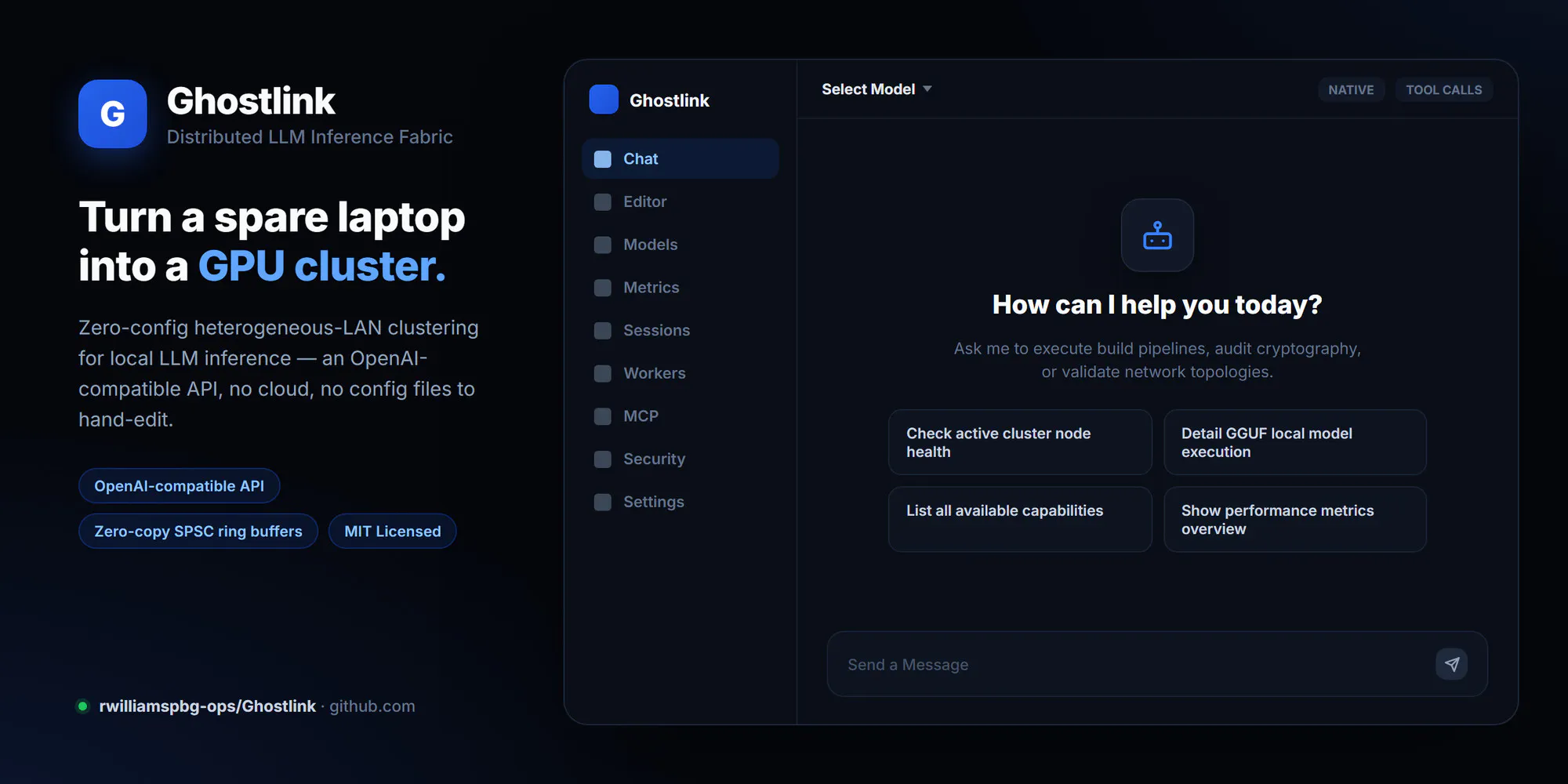 Ghostlink |  Tokokino |
|---|---|---|
| Primary Category | Design Tools | Design Tools |
| Community Rating | No ratings(0 reviews) | No ratings(0 reviews) |
| Community Upvotes | 11 votes | 6 votes |
| Supported Platforms | Web | Web |
| Tags & Focus | #GitHub#API#Design Tools | #Open Source#GitHub#Design Tools#Animation |
| Maker / Company | Independent Developer | Independent Developer |
| Platform Verification | Community Listing | Community Listing |
About Ghostlink
Ghostlink is a distributed Large Language Model (LLM) inference fabric designed to harness local, heterogeneous computing clusters. Built by developer Ryan Williams, Ghostlink enables developers and hardware enthusiasts to pool together diverse local devices to run heavy LLM workloads effectively.
Key technical features of Ghostlink include:
- Heterogeneous Cluster Support: Distribute local LLM inference across disparate hardware setups.
- Zero-Copy SPSC Ring Buffers: Utilizes Single-Producer Single-Consumer (SPSC) ring buffers to enable high-efficiency data passing with minimal memory overhead.
- Automated Tuning: Optimizes operational settings automatically across nodes in the cluster.
- OpenAI-Compatible API: Exposes an API endpoint compatible with standard OpenAI client libraries, allowing easy drop-in replacement for downstream applications.
Pros of Ghostlink
- Supports distributed LLM inference across heterogeneous local hardware
- Utilizes zero-copy SPSC ring buffers for optimized latency and data transport
- Provides automated tuning for efficient cluster operation
- Features an OpenAI-compatible API for seamless software integrations
Cons of Ghostlink
- Requires technical configuration to set up and manage across local nodes
- Primarily developer-focused with repository-based deployment
Frequently Asked Questions
What is Ghostlink?
Ghostlink is an open-source distributed LLM inference fabric designed to run local Large Language Models across heterogeneous clusters of computing devices.
Does Ghostlink integrate with existing OpenAI tools?
Yes, Ghostlink offers an OpenAI-compatible API, allowing applications built for OpenAI endpoints to seamlessly connect to your local Ghostlink cluster.
What performance features does Ghostlink use?
Ghostlink leverages zero-copy Single-Producer Single-Consumer (SPSC) ring buffers and automated tuning to optimize inference across your cluster.
Where can I find Ghostlink?
Ghostlink is hosted on GitHub under the repository rwilliamspbg-ops/Ghostlink.
About Tokokino
Tokokino is an innovative, fully client-native product video generator that operates directly within your web browser. Built for indie makers, designers, and creators, it transforms simple static screenshots into polished, professional product videos and mockups.
By leveraging advanced browser technologies such as WASM codecs, Tokokino ensures a consistent and reliable video generation and rendering experience across all major browsers. It features a range of animated templates, video editing support, and clever tools like auto-background generation that intelligently creates a matching gradient based on your uploaded image.
Standing out in the design tools space, Tokokino is fully open-source and free, offering watermark-free exports, free cloud storage for your drafts and presets, and even a dedicated Twitter and Bluesky post beautifier.
Pros of Tokokino
- Fully open-source and free to use
- Runs entirely in the browser as a client-native application
- Watermark-free exports for professional results
- Includes WASM codecs for a consistent cross-browser experience
Cons of Tokokino
- Relies entirely on browser and client-side processing performance
- Feature set is specialized primarily for screenshots and product mockups
- Dependent on cloud storage features for drafts and presets
Frequently Asked Questions
What is Tokokino?
Tokokino is an in-browser, fully client-native product video generator designed to beautify simple screenshots into engaging product mockups and videos.
Is Tokokino free to use?
Yes, Tokokino is fully open-source and free, offering watermark-free exports and free cloud storage for drafts and presets.
How does Tokokino work across different browsers?
Tokokino utilizes WASM codecs to ensure a consistent and reliable rendering and processing experience across all browsers.