
Ghostlink vs Rechroma
Comprehensive feature analysis, ratings breakdown, platform compatibility, and community review comparison.
Detailed Feature Comparison Matrix
Compare Other Tools| Dimension | 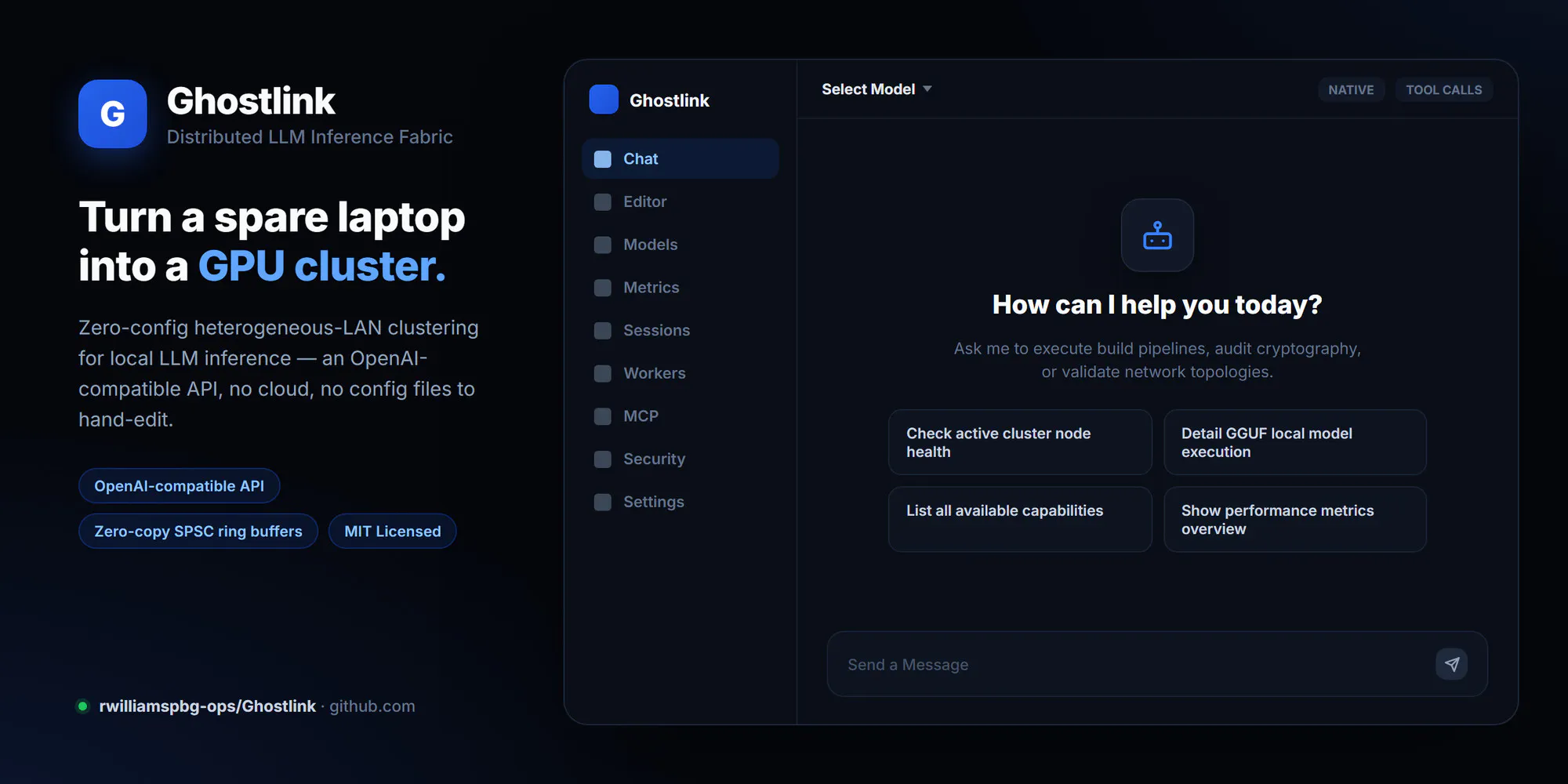 Ghostlink |  Rechroma |
|---|---|---|
| Primary Category | Design Tools | Design Tools |
| Community Rating | No ratings(0 reviews) | No ratings(0 reviews) |
| Community Upvotes | 11 votes | 83 votes |
| Supported Platforms | Web | Web |
| Tags & Focus | #GitHub#API#Design Tools | #Design Tools#Design resources#Branding#OpenAI Day |
| Maker / Company | Independent Developer | Independent Developer |
| Platform Verification | Community Listing | Community Listing |
About Ghostlink
Ghostlink is a distributed Large Language Model (LLM) inference fabric designed to harness local, heterogeneous computing clusters. Built by developer Ryan Williams, Ghostlink enables developers and hardware enthusiasts to pool together diverse local devices to run heavy LLM workloads effectively.
Key technical features of Ghostlink include:
- Heterogeneous Cluster Support: Distribute local LLM inference across disparate hardware setups.
- Zero-Copy SPSC Ring Buffers: Utilizes Single-Producer Single-Consumer (SPSC) ring buffers to enable high-efficiency data passing with minimal memory overhead.
- Automated Tuning: Optimizes operational settings automatically across nodes in the cluster.
- OpenAI-Compatible API: Exposes an API endpoint compatible with standard OpenAI client libraries, allowing easy drop-in replacement for downstream applications.
Pros of Ghostlink
- Supports distributed LLM inference across heterogeneous local hardware
- Utilizes zero-copy SPSC ring buffers for optimized latency and data transport
- Provides automated tuning for efficient cluster operation
- Features an OpenAI-compatible API for seamless software integrations
Cons of Ghostlink
- Requires technical configuration to set up and manage across local nodes
- Primarily developer-focused with repository-based deployment
Frequently Asked Questions
What is Ghostlink?
Ghostlink is an open-source distributed LLM inference fabric designed to run local Large Language Models across heterogeneous clusters of computing devices.
Does Ghostlink integrate with existing OpenAI tools?
Yes, Ghostlink offers an OpenAI-compatible API, allowing applications built for OpenAI endpoints to seamlessly connect to your local Ghostlink cluster.
What performance features does Ghostlink use?
Ghostlink leverages zero-copy Single-Producer Single-Consumer (SPSC) ring buffers and automated tuning to optimize inference across your cluster.
Where can I find Ghostlink?
Ghostlink is hosted on GitHub under the repository rwilliamspbg-ops/Ghostlink.
About Rechroma
Rechroma is a specialized workspace designed for designers, developers, and creators to explore color, shape palettes, and build complete color systems for brands, interfaces, and digital products.
Created by John Lee, Rechroma streamlines the color selection and management workflow. Users can start their journey using a single base color or by extracting tones from an image. The platform utilizes Oklch recommendations to help users explore harmonized shades, preview their color palettes in real-time, and seamlessly export their finished systems directly into Figma or code.
Pros of Rechroma
- Builds complete color systems rather than just simple palettes
- Supports starting from scratch with a base color or extracting from an image
- Uses Oklch for advanced color recommendations and manipulation
- Offers direct export options to Figma and code
Cons of Rechroma
- Limited information available regarding advanced enterprise configurations
- Relies entirely on external design handoffs for deep styling workflows
- Niche tool focused strictly on color systems and palette generation
Frequently Asked Questions
What is Rechroma?
Rechroma is a comprehensive workspace for exploring colors, shaping custom palettes, and building complete color systems for products, brands, and user interfaces.
How do you start creating a palette in Rechroma?
You can start your workflow by choosing an initial base color or by uploading an image, then exploring intelligent recommendations in Oklch.
Where can I export my finished color palettes?
Once you have shaped and previewed your palette, Rechroma allows you to export your complete color system directly to Figma or code.