
Ghostlink vs Hamburger Menu CSS Gallery
Comprehensive feature analysis, ratings breakdown, platform compatibility, and community review comparison.
Detailed Feature Comparison Matrix
Compare Other Tools| Dimension | 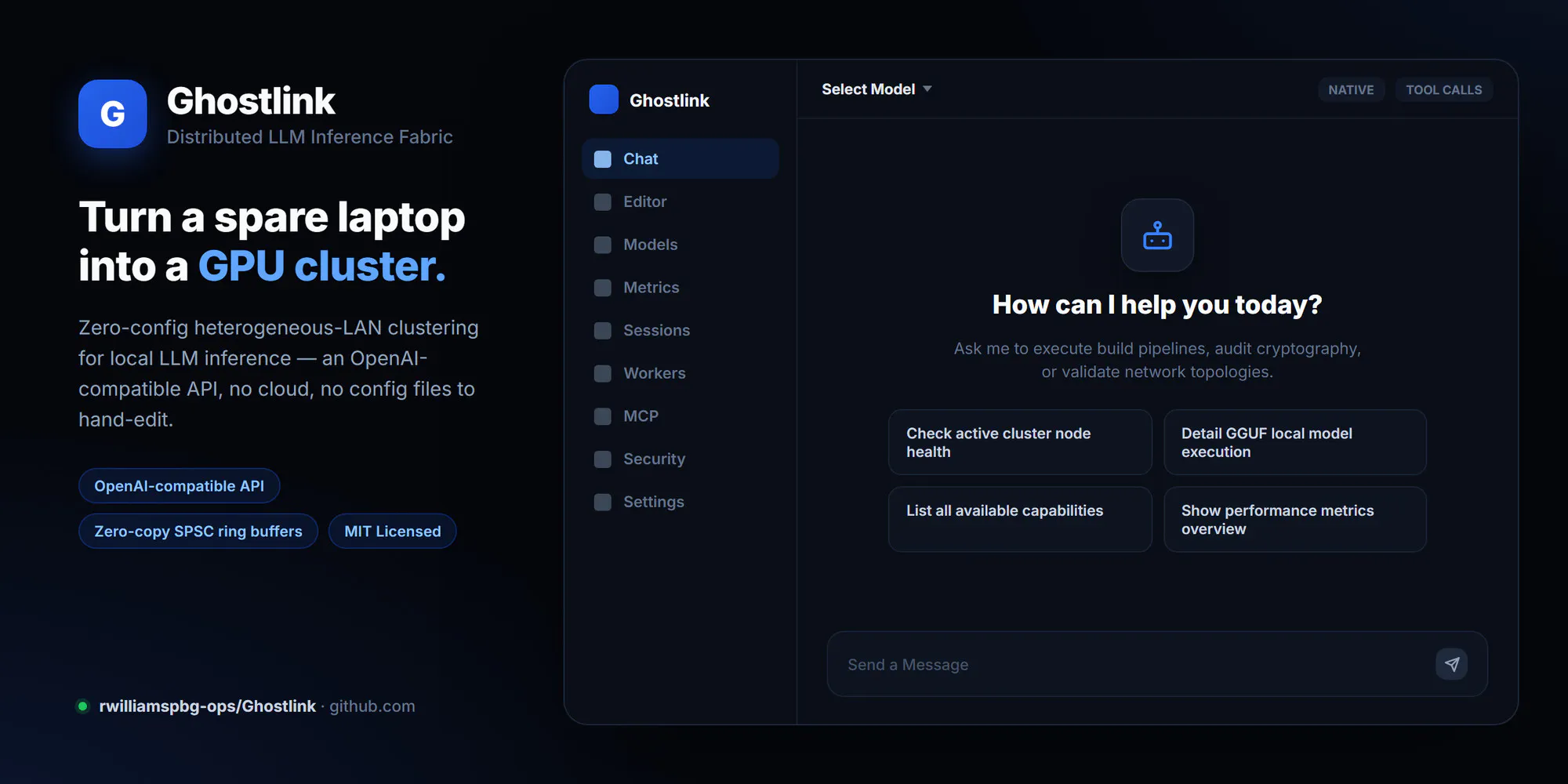 Ghostlink | 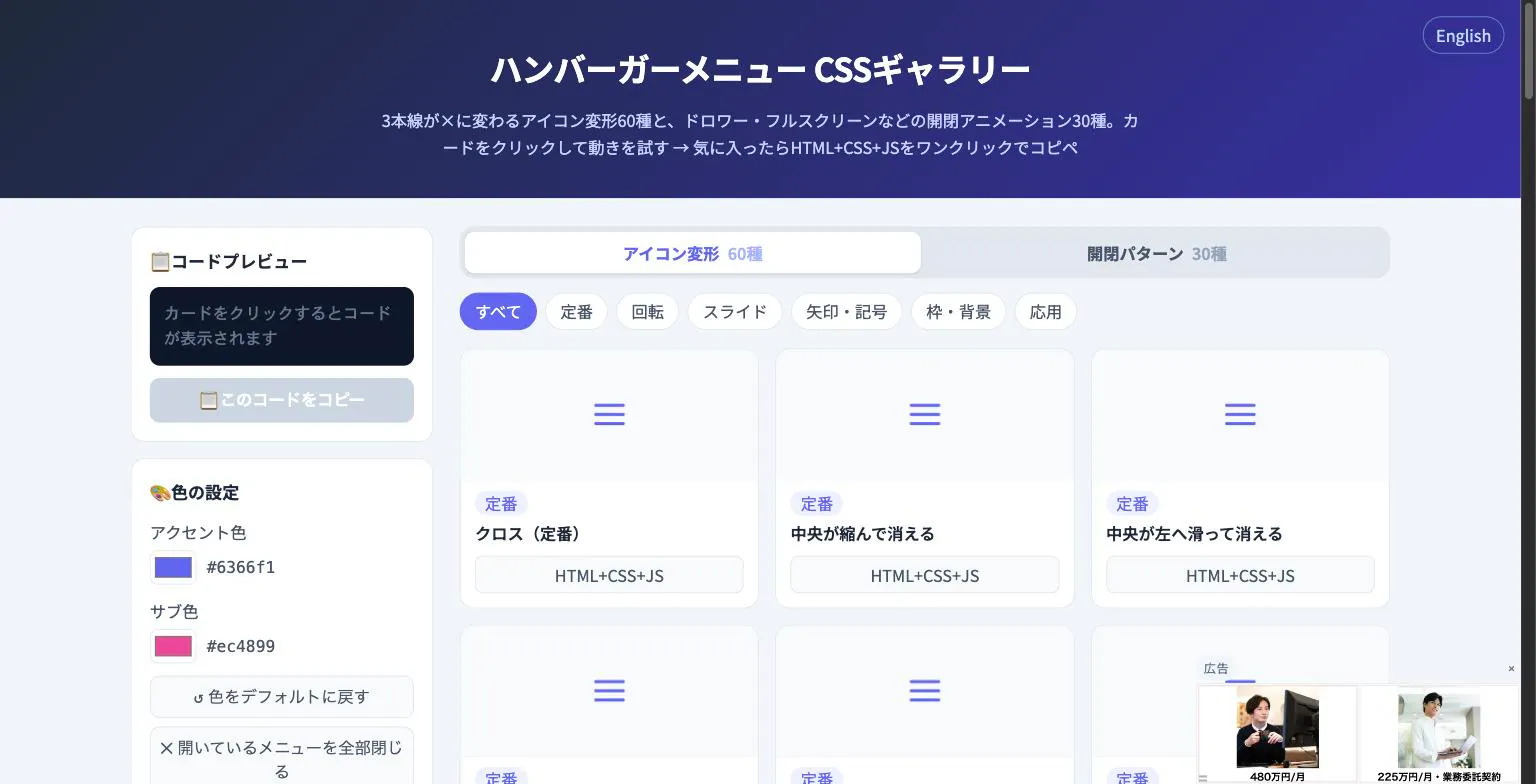 Hamburger Menu CSS Gallery |
|---|---|---|
| Primary Category | Design Tools | Design Tools |
| Community Rating | No ratings(0 reviews) | No ratings(0 reviews) |
| Community Upvotes | 11 votes | 5 votes |
| Supported Platforms | Web | Web |
| Tags & Focus | #GitHub#API#Design Tools | #Developer Tools#Design Tools |
| Maker / Company | Independent Developer | Independent Developer |
| Platform Verification | Community Listing | Community Listing |
About Ghostlink
Ghostlink is a distributed Large Language Model (LLM) inference fabric designed to harness local, heterogeneous computing clusters. Built by developer Ryan Williams, Ghostlink enables developers and hardware enthusiasts to pool together diverse local devices to run heavy LLM workloads effectively.
Key technical features of Ghostlink include:
- Heterogeneous Cluster Support: Distribute local LLM inference across disparate hardware setups.
- Zero-Copy SPSC Ring Buffers: Utilizes Single-Producer Single-Consumer (SPSC) ring buffers to enable high-efficiency data passing with minimal memory overhead.
- Automated Tuning: Optimizes operational settings automatically across nodes in the cluster.
- OpenAI-Compatible API: Exposes an API endpoint compatible with standard OpenAI client libraries, allowing easy drop-in replacement for downstream applications.
Pros of Ghostlink
- Supports distributed LLM inference across heterogeneous local hardware
- Utilizes zero-copy SPSC ring buffers for optimized latency and data transport
- Provides automated tuning for efficient cluster operation
- Features an OpenAI-compatible API for seamless software integrations
Cons of Ghostlink
- Requires technical configuration to set up and manage across local nodes
- Primarily developer-focused with repository-based deployment
Frequently Asked Questions
What is Ghostlink?
Ghostlink is an open-source distributed LLM inference fabric designed to run local Large Language Models across heterogeneous clusters of computing devices.
Does Ghostlink integrate with existing OpenAI tools?
Yes, Ghostlink offers an OpenAI-compatible API, allowing applications built for OpenAI endpoints to seamlessly connect to your local Ghostlink cluster.
What performance features does Ghostlink use?
Ghostlink leverages zero-copy Single-Producer Single-Consumer (SPSC) ring buffers and automated tuning to optimize inference across your cluster.
Where can I find Ghostlink?
Ghostlink is hosted on GitHub under the repository rwilliamspbg-ops/Ghostlink.
About Hamburger Menu CSS Gallery
Hamburger Menu CSS Gallery is a specialized developer and design tool created to simplify the implementation of navigation toggles. It features a curated collection of 90 copy-paste CSS hamburger menu options, including 60 unique icon morph effects—such as standard three-line transformations into an X—and 30 open/close container animations like drawers, fullscreen overlays, and circular reveals.
Designed for efficiency, the platform allows users to test effects live directly in the browser. Developers can customize accent colors and copy the required HTML, CSS, and JavaScript with a single click. Best of all, the tool requires no external libraries and no sign-up process, making it an immediate, frictionless addition to any web developer's toolkit.
Pros of Hamburger Menu CSS Gallery
- Includes 90 total copy-paste CSS hamburger menu styles and toggle animations
- Offers 60 distinct icon morph effects and 30 open/close container animations
- Live in-browser preview with customizable accent colors
- Requires no external libraries or user registration/sign-up
Cons of Hamburger Menu CSS Gallery
- Focused exclusively on hamburger menus and toggle animations
- Limited information on advanced framework integrations based on available metadata
Frequently Asked Questions
What is Hamburger Menu CSS Gallery?
It is a developer and design tool featuring 90 copy-paste CSS hamburger menu options, split between 60 icon morph effects and 30 open/close toggle animations.
Do I need to sign up or use external libraries?
No sign-up is required, and the components do not rely on external libraries. You can preview everything live in the browser and copy the code with a single click.
What types of animations are included?
The gallery includes 60 icon morph effects (such as lines turning into an X) and 30 open/close animations including drawer, fullscreen, and circular reveal effects.