
DayPin vs Islet
Comprehensive feature analysis, ratings breakdown, platform compatibility, and community review comparison.
Detailed Feature Comparison Matrix
Compare Other Tools| Dimension | 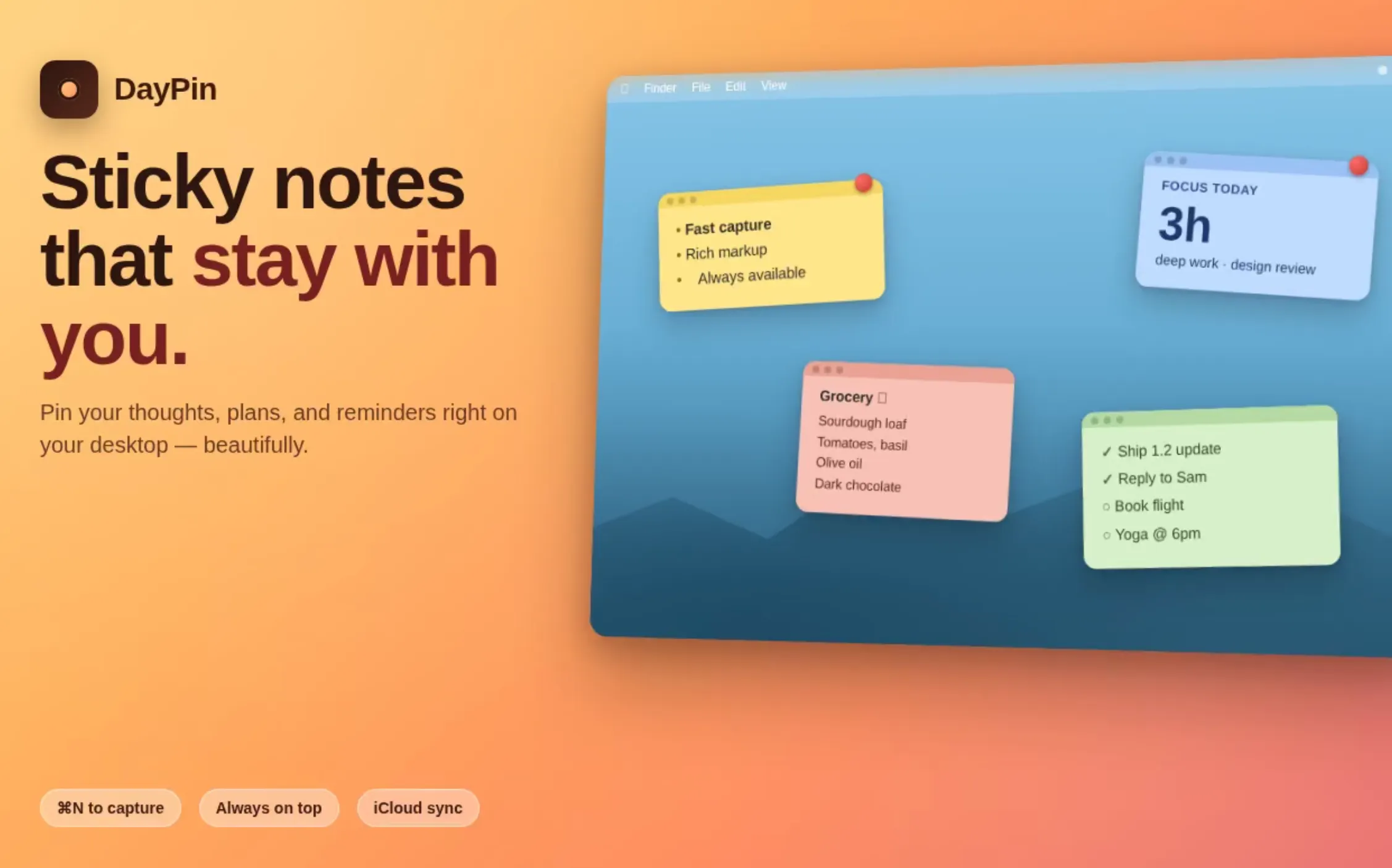 DayPin DayPin |  Islet Islet |
|---|---|---|
| Primary Category | Mac | Mac |
| Community Rating | No ratings(0 reviews) | No ratings(0 reviews) |
| Community Upvotes | 6 votes | 106 votes |
| Supported Platforms | Web | Web |
| Tags & Focus | #Productivity#Mac#Notes | #Productivity#Mac#Menu Bar Apps |
| Maker / Company | Independent Developer | Independent Developer |
| Platform Verification | Community Listing | Community Listing |
About DayPin
DayPin is a native, ultra-lightweight sticky notes application built specifically for macOS using SwiftUI. Designed to sit conveniently in your Mac menu bar or pop up via a global hotkey, it packs robust note-taking functionality into a tiny 2.1 MB universal binary executable.
Privately minded users will appreciate DayPin's offline-first architecture. It functions completely without an internet connection, demands no account registration, and collects zero telemetry data, guaranteeing that your personal notes and tasks stay strictly on your local device.
Writing in DayPin is smooth thanks to its WYSIWYG editor, which renders clean formatting while hiding raw Markdown syntax. You can organize your thoughts using bold text, italics, underlines, headings, quotes, code snippets, and interactive task checklists with clickable checkboxes. Notes can be visually customized with 16 default colors or a custom color picker. For power users needing advanced tools, a one-time $3 Pro upgrade unlocks unlimited pinned notes, search, iCloud sync, custom hotkeys, JSON tools, opacity controls, and document exporting in MD, PDF, and TXT formats.
Pros of DayPin
- Extremely lightweight (2.1 MB) native SwiftUI app optimized as a universal binary
- Privacy-focused with offline operation, no account requirements, and zero telemetry
- Clean WYSIWYG Markdown editor that hides raw markup while supporting rich formatting and interactive checklists
- Affordable one-time $3 Pro upgrade with no recurring subscription fees
Cons of DayPin
- Exclusively available for macOS users
- Essential features like search, iCloud sync, and unlimited pins require the paid Pro upgrade
Frequently Asked Questions
What is DayPin?
DayPin is a native, lightweight (2.1 MB) macOS sticky notes application built with SwiftUI that allows you to quickly place and view notes on your desktop using a global hotkey or menu bar icon.
Does DayPin require an internet connection or account?
No. DayPin operates entirely offline, requires no account creation, and collects zero telemetry data, ensuring your notes stay completely private.
What formatting features are supported in DayPin?
DayPin features a WYSIWYG editor that hides Markdown syntax while supporting bold, italic, underline, headings, code, quotes, and interactive checklists with toggleable checkboxes.
What is included in the DayPin Pro upgrade?
For a one-time purchase of $3, DayPin Pro unlocks unlimited pins, iCloud synchronization, note search, export capabilities (MD, PDF, TXT), JSON tools, custom hotkeys, and note opacity adjustment.
About Islet
Islet is a native macOS utility developed by solo indie maker Lippi304 that brings the popular iPhone Dynamic Island experience directly to your Mac's notch. Unlike conventional notch utilities that merely draw a static shape over the camera cutout, Islet provides dynamic, interactive behavior powered by native spring-physics for smooth expansion and collapse animations.
Built natively using Swift and AppKit rather than heavy frameworks like Electron, Islet is designed to be lightweight, fast, and fully fullscreen-aware. It features real-time heads-up displays (HUDs) for volume and brightness, a live music glance with full playback controls, and convenient one-tap audio output switching that saves you from navigating through System Settings.
In addition to media and system controls, Islet incorporates helpful daily widgets including calendar and weather glances, as well as a versatile file tray that allows you to drag and drop files from anywhere on your system.
Pros of Islet
- Features authentic spring-physics for smooth expand and collapse animations
- Built natively in Swift and AppKit (not Electron), ensuring speed and low resource usage
- Includes real-time HUDs for volume and brightness alongside a live music controller
- Provides a handy file tray to drop files into from anywhere on your Mac
- Fullscreen-aware design prevents interference with immersive apps
Cons of Islet
- Requires a Mac with a physical notch display to fully utilize the concept
- Developed by a solo indie creator which may affect rapid multi-platform support expansion
- Limited customization details explicitly mentioned outside of the core feature set
Frequently Asked Questions
What is Islet?
Islet is a macOS utility that brings the iPhone's Dynamic Island experience to your Mac's notch, featuring native spring-physics, media controls, system HUDs, and productivity widgets.
Is Islet built with Electron?
No, Islet is built entirely natively using Swift and AppKit, making it fast, lightweight, and fullscreen-aware.
What features are included in Islet?
Islet includes expand/collapse spring-physics, real-time volume and brightness HUDs, a live music glance with playback controls, one-tap audio output switching, calendar and weather updates, and a global file tray.