
Creativly Agent vs Hamburger Menu CSS Gallery
Comprehensive feature analysis, ratings breakdown, platform compatibility, and community review comparison.
Creativly Agent
An AI agent that works with you on a visual canvas
Detailed Feature Comparison Matrix
Compare Other Tools| Dimension | Creativly Agent | 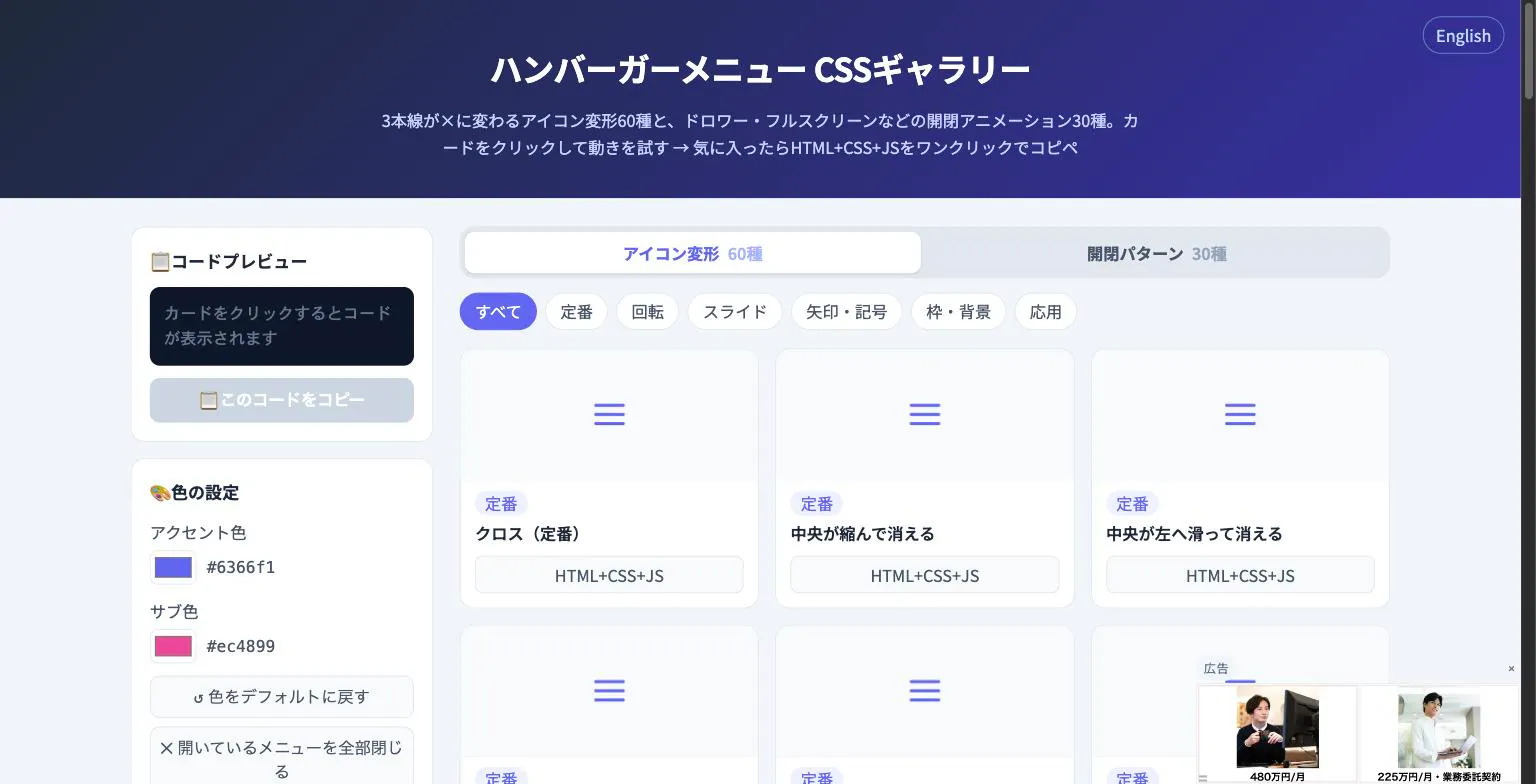 Hamburger Menu CSS Gallery |
|---|---|---|
| Primary Category | Design Tools | Design Tools |
| Community Rating | No ratings(0 reviews) | No ratings(0 reviews) |
| Community Upvotes | 9 votes | 5 votes |
| Supported Platforms | Web | Web |
| Tags & Focus | #Artificial Intelligence#Productivity#Design Tools | #Developer Tools#Design Tools |
| Maker / Company | Independent Developer | Independent Developer |
| Platform Verification | Community Listing | Community Listing |
About Creativly Agent
Creativly Agent is an innovative AI agent designed to work alongside you on a shared visual canvas. Built to transform productivity, design, and content creation workflows, it empowers individuals and teams to research, plan, create, and edit both images and videos seamlessly in one place.
Instead of scattering your assets across different platforms, Creativly Agent builds real documents and files while keeping every result anchored directly beside its source. Users can connect popular external tools and platforms like Google Drive, Instagram, TikTok, and YouTube to pull in crucial context and prepare external actions that require your final approval.
Ideal for modern marketing and creative teams, the platform supports live real-time collaboration, allowing teams to ideate together. Additionally, reusable context and customizable workflows ensure that past projects seamlessly carry future campaigns forward. Whether you are brainstorming your next big campaign or managing multi-step creative tasks, Creativly Agent brings intelligence and visual organization together on the canvas.
Pros of Creativly Agent
- Interactive visual canvas for shared team collaboration
- Integrates with popular platforms like Google Drive, Instagram, TikTok, and YouTube
- Capable of researching, planning, creating, and editing both images and videos
- Builds real documents and files while keeping results organized next to their sources
- Supports reusable context and workflows to accelerate future projects
Cons of Creativly Agent
- Currently restricted to beta access
- Specific pricing details and general availability tiers are not disclosed
- Requires manual user approval for prepared external actions
Frequently Asked Questions
What is Creativly Agent?
Creativly Agent is an AI agent that collaborates with you on a shared visual canvas, helping you research, plan, create, and edit images and video while generating real documents and files.
Can I connect external applications to Creativly Agent?
Yes, you can connect tools like Google Drive, Instagram, TikTok, and YouTube to pull in relevant context and prepare external actions that require your approval.
How does Creativly Agent handle team collaboration?
Teams can collaborate live on the visual canvas, utilizing reusable context and workflows to efficiently carry projects forward.
About Hamburger Menu CSS Gallery
Hamburger Menu CSS Gallery is a specialized developer and design tool created to simplify the implementation of navigation toggles. It features a curated collection of 90 copy-paste CSS hamburger menu options, including 60 unique icon morph effects—such as standard three-line transformations into an X—and 30 open/close container animations like drawers, fullscreen overlays, and circular reveals.
Designed for efficiency, the platform allows users to test effects live directly in the browser. Developers can customize accent colors and copy the required HTML, CSS, and JavaScript with a single click. Best of all, the tool requires no external libraries and no sign-up process, making it an immediate, frictionless addition to any web developer's toolkit.
Pros of Hamburger Menu CSS Gallery
- Includes 90 total copy-paste CSS hamburger menu styles and toggle animations
- Offers 60 distinct icon morph effects and 30 open/close container animations
- Live in-browser preview with customizable accent colors
- Requires no external libraries or user registration/sign-up
Cons of Hamburger Menu CSS Gallery
- Focused exclusively on hamburger menus and toggle animations
- Limited information on advanced framework integrations based on available metadata
Frequently Asked Questions
What is Hamburger Menu CSS Gallery?
It is a developer and design tool featuring 90 copy-paste CSS hamburger menu options, split between 60 icon morph effects and 30 open/close toggle animations.
Do I need to sign up or use external libraries?
No sign-up is required, and the components do not rely on external libraries. You can preview everything live in the browser and copy the code with a single click.
What types of animations are included?
The gallery includes 60 icon morph effects (such as lines turning into an X) and 30 open/close animations including drawer, fullscreen, and circular reveal effects.