
Basedash Public Sharing vs Koval SEO Console
Comprehensive feature analysis, ratings breakdown, platform compatibility, and community review comparison.
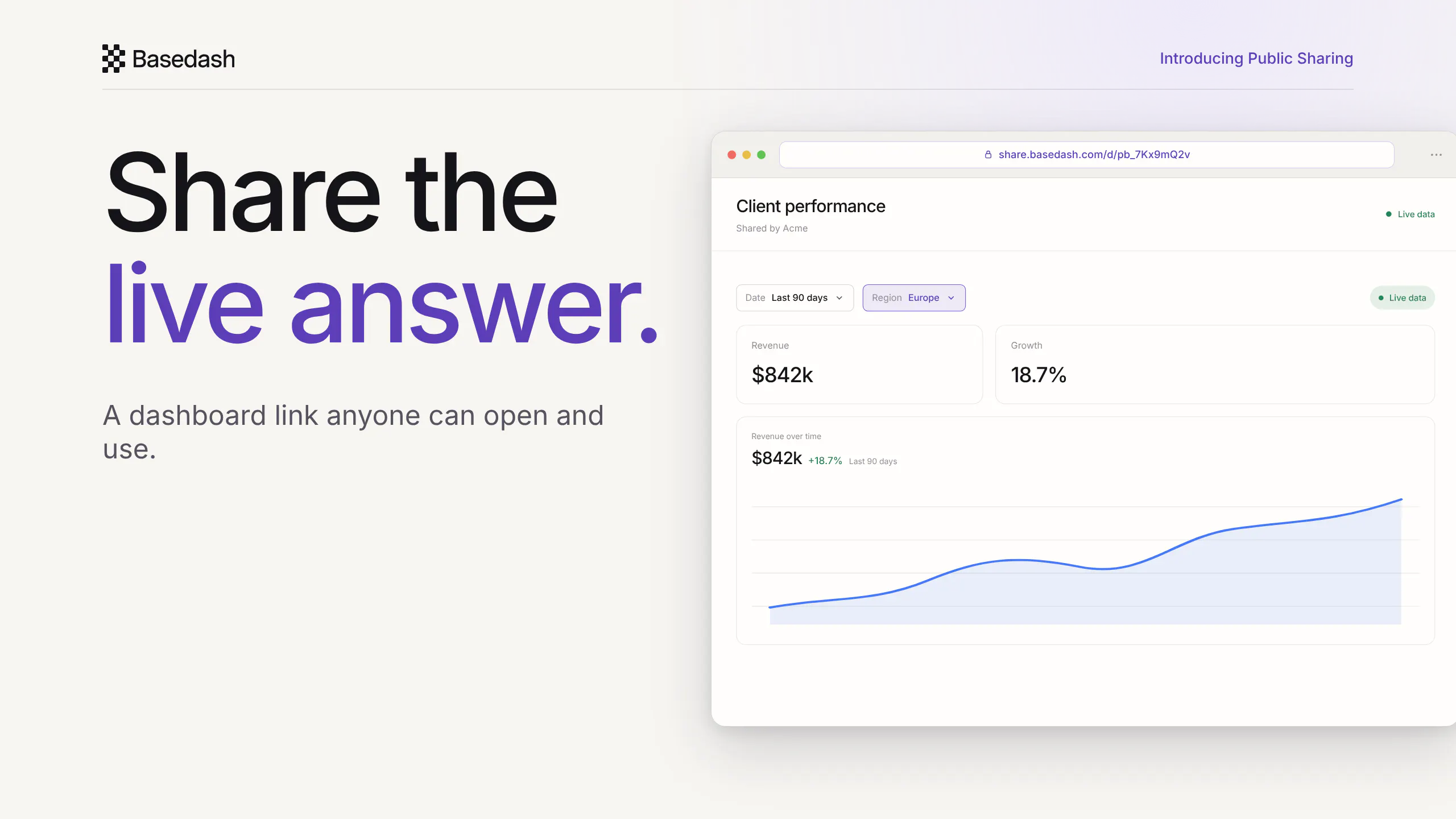
Basedash Public Sharing
Live dashboards for anyone you send the link to
Detailed Feature Comparison Matrix
Compare Other Tools| Dimension | Basedash Public Sharing |  Koval SEO Console |
|---|---|---|
| Primary Category | Analytics | Analytics |
| Community Rating | 5.0(9 reviews) | No ratings(0 reviews) |
| Community Upvotes | 68 votes | 9 votes |
| Supported Platforms | Web | Web |
| Tags & Focus | #Data & Analytics | #Marketing#Analytics#SEO#OpenAI Day |
| Maker / Company | Independent Developer | Independent Developer |
| Platform Verification | Community Listing | Community Listing |
About Basedash Public Sharing
Basedash Public Sharing is a data and analytics tool designed to streamline how you share insights with clients, investors, and stakeholders. Instead of relying on static screenshots or manual data exports, this feature turns any dashboard or individual chart into a secure, tokenized public link.
Recipients can effortlessly open a live view directly in their browser without needing to create a Basedash account. The interactive experience allows stakeholders to utilize filters, inspect charts, and sort public tables to explore the most up-to-date information dynamically.
Pros of Basedash Public Sharing
- Share live dashboards and charts via tokenized public links
- No Basedash account required for recipients to view data
- Recipients can interact with live data using filters, chart inspection, and table sorting
- Eliminates the need for manual screenshots or static exports
Cons of Basedash Public Sharing
- Requires internet access via a web browser for recipients to view data
- Limited to sharing dashboards and charts created within Basedash
- Relies entirely on link-based (tokenized) sharing access
Frequently Asked Questions
What is Basedash Public Sharing?
Basedash Public Sharing is a feature that turns any dashboard or chart into a tokenized public link, allowing you to share live data views with clients, investors, and stakeholders.
Do recipients need a Basedash account to view the shared data?
No, recipients do not need a Basedash account. They can open a live view directly in their web browser.
What can recipients do with the shared link?
Recipients can view live data, use filters, inspect charts, and sort public tables to explore the latest information.
Can I share a single chart instead of a whole dashboard?
Yes, you can share either an entire dashboard or just a single chart depending on your needs.
About Koval SEO Console
Koval SEO Console is an innovative SEO auditing tool created by founder Oleh Koval, designed with the tagline: "The SEO check that talks like a person." Unlike traditional SEO analyzers that overwhelm users with arbitrary metrics and complex jargon, this platform identifies website problems, explains them in plain, human language, and provides concrete proof for each issue.
Featuring over 70 distinct checks, the console requires no installation. It doesn't use confusing scores out of 100; instead, it offers practical verification after you implement fixes by categorizing them definitively as fixed, not fixed, or couldn't confirm. It is currently free to use, requiring no credit card or time-limited trial.
Pros of Koval SEO Console
- Explains SEO problems in plain, human words rather than confusing jargon
- Provides clear proof for identified website issues
- Performs re-checks after fixes with clear statuses (fixed, not fixed, or couldn't confirm)
- Includes over 70 checks with nothing to install
- Completely free right now with no credit card or expiring trial required
Cons of Koval SEO Console
- Does not use a traditional score out of 100 metric system (which some traditional users might prefer)
- Limited metadata available regarding advanced enterprise features or third-party integrations
- Relies entirely on web-based checks without a local installation option
Frequently Asked Questions
What is Koval SEO Console?
Koval SEO Console is an SEO auditing tool that finds website problems, explains them in plain language, shows proof, and verifies your fixes without relying on confusing scores out of 100.
How much does Koval SEO Console cost?
It is currently free to use with no credit card required and no trial that runs out.
Do I need to install anything to use it?
No, there is nothing to install to use Koval SEO Console.
How does the tool handle post-fix verification?
After you apply a fix, the tool re-checks the issue and categorizes the status into one of three clear outcomes: fixed, not fixed, or couldn't confirm.