
AutoHDMI - Auto Switch to HDMI vs News Kart
Comprehensive feature analysis, ratings breakdown, platform compatibility, and community review comparison.

AutoHDMI - Auto Switch to HDMI
Auto switch Google TV to HDMI input after a power cut
Detailed Feature Comparison Matrix
Compare Other Tools| Dimension | AutoHDMI - Auto Switch to HDMI | 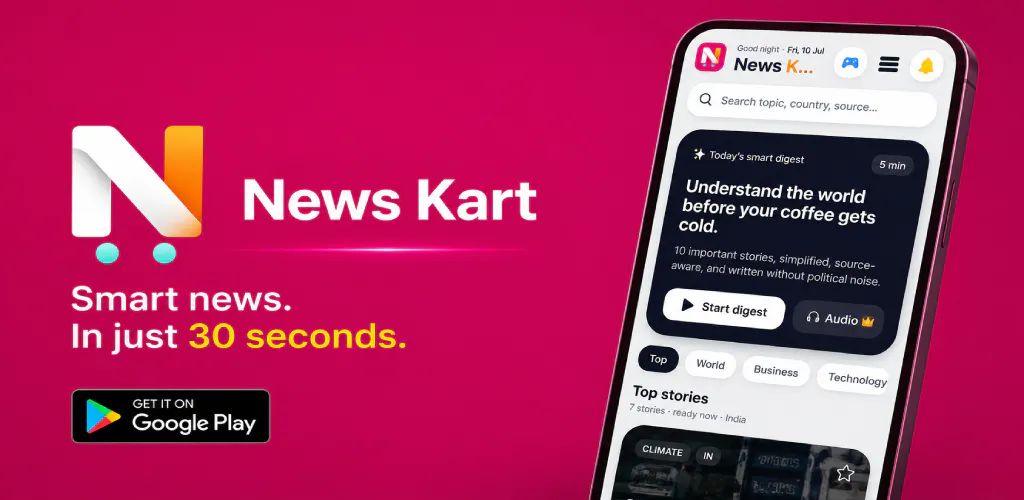 News Kart News Kart |
|---|---|---|
| Primary Category | Android | Android |
| Community Rating | No ratings(0 reviews) | 4.0(2 reviews) |
| Community Upvotes | 8 votes | 10 votes |
| Supported Platforms | Web | Web |
| Tags & Focus | #Android#TV#Home Automation | #Productivity#Android#News#OpenAI Day |
| Maker / Company | Independent Developer | Independent Developer |
| Platform Verification | Community Listing | Community Listing |
About AutoHDMI - Auto Switch to HDMI
AutoHDMI - Auto Switch to HDMI is a utility tool designed for compatible Android TV and Google TV devices. Developed by indie developer Sohum Manchanda, the application automatically switches your TV to a designated HDMI input following a full system restart or a power cut.
For households that rely primarily on external hardware—such as set-top boxes, gaming consoles, PCs, or secondary streaming devices—smart TVs often default to their native home screen upon booting up rather than the active external source. AutoHDMI solves this everyday friction by allowing users to configure their preferred HDMI input just once, streamlining the startup process and eliminating the need to manually change inputs every time the TV turns on after a power interruption.
Pros of AutoHDMI - Auto Switch to HDMI
- Automatically switches to a chosen HDMI input after a power cut or full restart
- Eliminates the need to manually change TV inputs every time the device boots
- Ideal for users who primarily use external devices like consoles, PCs, or set-top boxes
- Simple "set it up once" configuration process
Cons of AutoHDMI - Auto Switch to HDMI
- Only compatible with supported Android TV and Google TV devices
- Specifically targets post-restart and power cut scenarios
- Requires manual initial setup
Frequently Asked Questions
What does AutoHDMI do?
AutoHDMI automatically switches compatible Android TV and Google TV devices to your chosen HDMI input after a full restart or power cut.
Who is AutoHDMI useful for?
It is especially useful for people who primarily use external devices like set-top boxes, gaming consoles, PCs, or external streaming sticks and want to avoid manually changing TV inputs every time the device boots.
How difficult is it to set up?
It features a simple configuration process where you set it up once, choose your preferred HDMI input, and let the TV switch automatically thereafter.
About News Kart
News Kart is a modern, fast-paced news application designed to help users stay informed without wading through media noise or editorial bias. Delivered in a clean, digestible card format, the app condenses the day's most important stories into 30-second summaries. Each story provides essential headlines, key bullet points, background context, and a clear explanation of 'why it matters', enabling readers to grasp complex current events quickly and efficiently. What truly distinguishes News Kart is its rigorous commitment to neutral, bias-checked reporting. Rather than blending opinion with journalism, the app systematically separates confirmed facts from unverified claims, while clearly outlining both supporter and critic viewpoints. This structured, multi-perspective approach allows readers to see all sides of an issue objectively, think critically for themselves, and consume balanced news free from hidden spin.
Pros of News Kart
- Delivers concise, 30-second news summaries optimized for quick and efficient reading.
- Explicitly separates confirmed facts from claims and supporter versus critic perspectives to minimize bias.
- Includes helpful context and 'why it matters' breakdowns for every major story.
Cons of News Kart
- Primarily built for mobile platforms (Android), limiting accessibility for desktop users.
- Short-form summaries may occasionally omit deep investigative nuances found in long-form journalism.
Frequently Asked Questions
How does News Kart ensure the news is unbiased?
News Kart separates confirmed facts, claims, supporter views, and critic views into distinct sections, giving you a balanced and transparent overview of every story.
How long does it take to read a story?
Each news card is designed to be read in about 30 seconds, presenting the headline, key points, and context in a simple, fast format.