
Animated Icon Generator vs BUD
Comprehensive feature analysis, ratings breakdown, platform compatibility, and community review comparison.
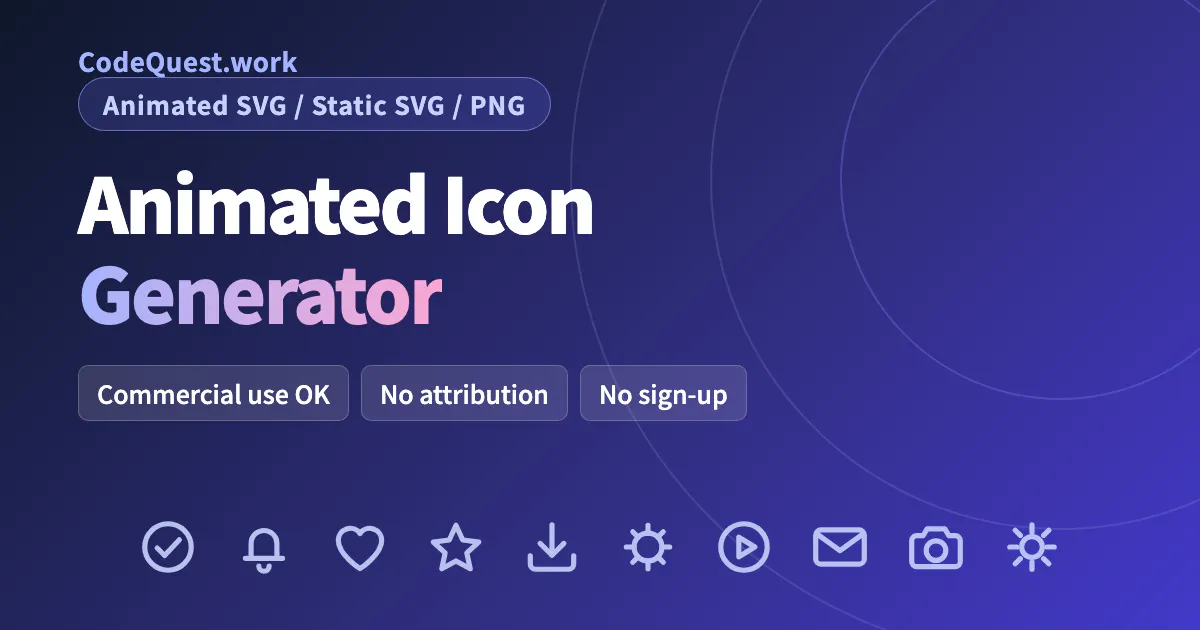
Animated Icon Generator
300 free animated SVG icons you can customize and download
Detailed Feature Comparison Matrix
Compare Other Tools| Dimension | Animated Icon Generator |  BUD BUD |
|---|---|---|
| Primary Category | Design Tools | Design Tools |
| Community Rating | No ratings(0 reviews) | No ratings(0 reviews) |
| Community Upvotes | 6 votes | 7 votes |
| Supported Platforms | Web | Web |
| Tags & Focus | #Developer Tools#Design Tools#Icons | #Productivity#Design Tools#OpenAI Day#Sketch |
| Maker / Company | Independent Developer | Independent Developer |
| Platform Verification | Community Listing | Community Listing |
About Animated Icon Generator
Animated Icon Generator is a design and developer tool created by Masakazu Imai that provides a library of 300 animated icons distributed across 12 distinct categories. Built to simplify UI design and web development workflows, the tool allows users to quickly select, tailor, and export lightweight icons directly from their browser.
Users can customize key animation properties, including adjusting the color, size, animation speed, and loop count. Once customized, icons can be exported in multiple formats, including animated SVG, static SVG, or PNG. A key technical advantage is that the generated animated SVGs are completely self-contained, allowing seamless integration into websites using a plain HTML tag without external dependencies.
The platform is completely hassle-free to use, offering full access with no sign-up required. All downloaded icons are free for commercial use with no attribution required.
Pros of Animated Icon Generator
- Library of 300 animated icons categorized across 12 topics
- Customizable color, size, animation speed, and loop count
- Multiple export formats: animated SVG, static SVG, and PNG
- Fully self-contained animated SVGs that work with a plain HTML tag
- 100% free for commercial use with no attribution or sign-up needed
Cons of Animated Icon Generator
- Icon library is limited to 300 pre-made icons
- Does not support prompt-based generation for entirely custom new icons
Frequently Asked Questions
How many icons are available in Animated Icon Generator?
The platform offers a collection of 300 animated icons organized across 12 categories.
What properties can I customize before downloading?
You can customize the icon's color, size, animation speed, and loop count.
Which export formats are supported?
You can export icons as animated SVG, static SVG, or static PNG files.
How do I embed the animated SVGs on a website?
The exported animated SVGs are fully self-contained, meaning you can display them on a website using a plain HTML tag.
Is Animated Icon Generator free for commercial use?
Yes, all icons are completely free for commercial use, require no attribution, and can be downloaded without creating an account.
About BUD
BUD is an innovative voice-first canvas designed specifically for sketchnoting, whiteboarding, and diagramming. By allowing users to speak naturally, BUD transforms spoken ideas into visual assets in real time, streamlining the journey from abstract thought to structured diagram.
Whether you are mapping out complex system architectures, outlining step-by-step flowcharts, or simply brainstorming, BUD bridges the gap between voice and visual creation. Built as a powerful productivity and design tool, it empowers creators, developers, and professionals to sketch and edit diagrams effortlessly without getting bogged down by manual drawing mechanics.
Pros of BUD
- Voice-first interface enables natural, hands-free idea generation
- Real-time visual creation for system architectures and flowcharts
- Streamlines sketching and whiteboarding workflows
- Turns verbal thoughts directly into editable diagrams
Cons of BUD
- Limited to features supported by the voice-first canvas model
- Requires spoken input which may not suit all working environments
- Relies entirely on real-time interpretation of voice commands
Frequently Asked Questions
What is BUD?
BUD is a voice-first canvas tool built for sketchnoting, whiteboarding, and diagramming, allowing users to build system architectures and flowcharts by speaking naturally.
What can I create using BUD?
You can ideate, sketch, and edit flowcharts, system architectures, and turn verbal ideas into visual diagrams in real time.